Baby Monitor vs. Security Camera: Which Is Safer for Your Nursery?
Baby monitors and security cameras look similar but are built for very different purposes. Baby monitors offer continuous audio, close-range night vision, and simpler operation, making them the better fit for most nurseries compared to surveillance-focused security cameras.






Updated March 24, 2026
AI Summary


In this article
Baby Monitor vs Security Camera Differences
Comparison of Baby Monitor vs. Security Camera
Should You Choose a Baby Monitor or Security Camera
It’s tempting to repurpose that extra security camera for the nursery. It saves money and uses an app you already know. But at 3 a.m., a security camera and a baby monitor feel like two very different tools.
But there are major differences in how these devices actually perform when it matters most. Before you mount that spare camera over the crib, let’s look at how they compare across the things that truly affect your sleep and your baby's safety, so you can decide whether you need a baby monitor.
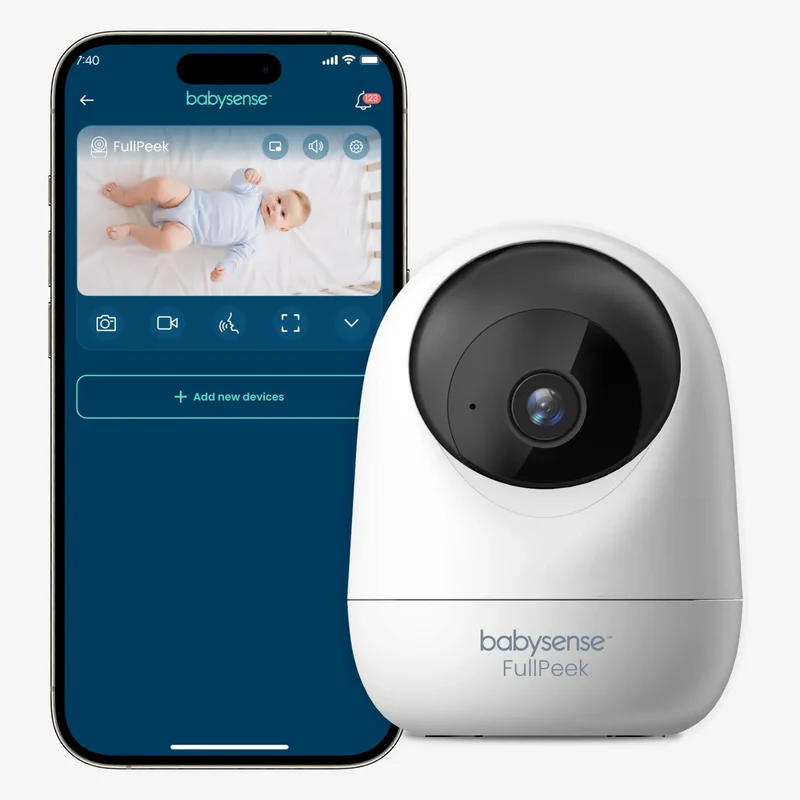
Less Worry, More Rest
You can't be in the room every minute, but with the Babysense video monitor, you don't need to be.
Baby Monitor vs Security Camera Differences
The most important thing to understand from the start is what each device is built to do:
Baby Monitors
A baby monitor is designed for caregiving. Everything about it, from the lens angle to the audio sensitivity, is built around one job: helping you respond quickly to your baby.
Security Camera
A security camera is designed for surveillance. Its job is to detect intruders, record events, and monitor a property.
Now, those are very different priorities, and that difference shows up in ways that matter when you are a sleep-deprived parent at 3 a.m.
The American Academy of Pediatrics is clear that infant safety comes from a safe sleep environment, not from monitoring technology [1]. But when it comes to staying connected to your baby and responding quickly when something is off, the tool you use genuinely matters.
Comparison of Baby Monitor vs. Security Camera
Let's go over where the practical difference really shows up night to night.
Baby Monitor vs. Security Camera Audio
Baby monitors are built for continuous audio (sound that streams constantly in the background without you having to do anything). You hear your baby stirring, grunting, or starting to fuss the moment it happens, before it escalates into full crying.
Security cameras are typically built around alert-based audio (sound that activates when the camera detects noise and sends you a notification). By the time the alert fires, you open the app, and the feed loads, your baby may already be fully awake and distressed.
Baby Monitor vs. Security Camera Video and Night Vision
Baby monitors use infrared night vision (a type of camera technology that produces a clear image in complete darkness without any light in the room) that is calibrated for close-range crib viewing.
The lens is designed to focus on a small, specific area, typically the crib surface, so you can clearly see your baby's sleep position, chest movement, and face.
Security cameras are designed for wide-angle room coverage. They are optimized for spotting movement across a larger space, not for the close, detailed view you need when you are checking whether your baby is on their back or watching for chest rise.
In short, a security camera gives you a wide view of the room. A baby monitor gives you a close view of your baby. For nursery use, the close view is what you actually need.
Baby Monitor vs. Security Camera Motion Detection and Alerts
Baby monitors are designed with sound sensitivity tuned to baby frequencies (the specific pitch and pattern of infant crying and stirring). Alerts are calibrated to pick up the sounds that matter, without constantly pinging you for background noise.
Security cameras use motion detection algorithms built for larger movements, like an adult entering a room.
In a crib setting, this can work against you in two ways:
Small movements like a baby rolling or lifting their arms may not trigger the camera at all.
Shadows, light changes, or a pet walking past can also trigger false alerts repeatedly through the night.
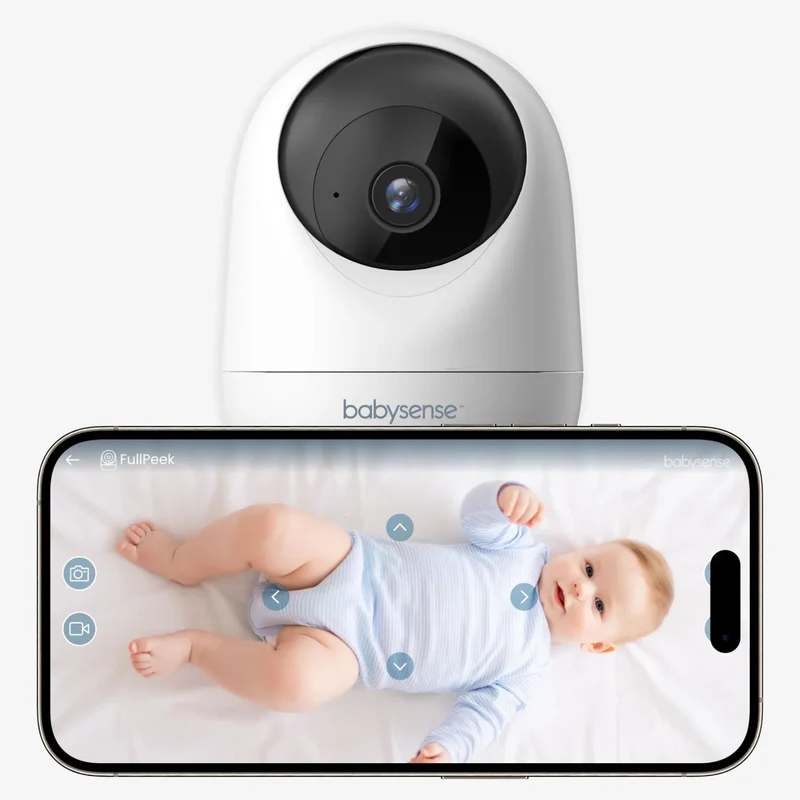
Get Alerts That Matter
The Babysense Video Monitor is tuned for your baby, not your hallway. With:
Sound sensitivity calibrated to baby frequencies so you only hear what matters
Adjustable alert thresholds so you stay in control of when you are notified
Continuous audio streaming so you never have to wait for an alert to know your baby is okay
Baby Monitor vs. Security Camera Connectivity
Many dedicated baby monitors use local radiofrequency transmission. This is a direct connection between the camera and the parent unit that does not rely on the internet. So, if your Wi-Fi goes down overnight, a local monitor keeps working without interruption.
Security cameras are typically Wi-Fi and cloud-dependent. They need an internet connection to stream footage and send alerts. If your router resets or your broadband drops, you lose access.
Baby Monitor vs. Security Camera Privacy and Data
This is one that many parents do not think about until later.
Most dedicated baby monitors, particularly non-Wi-Fi models, do not store footage externally. The video streams live to the parent unit and is not saved anywhere unless you manually record it. It's the safest option to use when monitoring your little one from birth.
Security cameras are often designed to store footage in the cloud, sometimes for days or weeks, depending on your subscription. That means recordings of your baby's bedroom may be sitting on a third-party server.
For a nursery, fewer external data pathways generally means fewer vulnerabilities.
Baby Monitor vs. Security Camera Setup and Ease of Use
Baby monitors are designed to be simple. Most pair directly to a parent unit with physical buttons and a screen. There are:
No apps to download.
No passwords to manage
No firmware updates to worry about in the middle of the night.
You turn it on, and it works.
Security cameras require:
Wi-Fi setup.
Account creation.
App navigation.
Ongoing software updates.
If the network drops or you need to reconnect, that is a process that requires cognitive effort at a time when you're tired and want a simple way out. Also, security cameras often have long, thin USB cords that aren't always sold with the specialized "cord covers" that high-end baby monitors include.
Keep in mind that simpler systems tend to be used more consistently. In a nursery, a device you can operate half-asleep with one hand is a device that actually does its job.
Baby Monitor vs. Security Camera Costs
Dedicated baby monitors usually have a higher upfront cost, but there are no ongoing subscription fees, safety protocols to avoid hacking, particularly for non-Wi-Fi baby monitor models. When you are comparing prices, it is worth calculating the total cost over the first year rather than just the sticker price.
Security cameras often look cheaper. But many rely on paid cloud subscriptions for video storage, motion history, and extended playback. Over time, those monthly fees can add up to more than the hardware itself.
Should You Choose a Baby Monitor or Security Camera
For most families, a dedicated baby monitor is the better fit for a nursery. It is built for the job, it is simpler to use when you are exhausted, it gives you the continuous audio that matters most overnight, and it keeps your baby's private space more private.
Security cameras can work in a nursery, but they involve real trade-offs in audio continuity, privacy, alert reliability, and internet dependency that are worth going in with clear eyes about.
When choosing a baby monitor, look for clear night vision, continuous audio, secure connectivity if it is Wi-Fi enabled, a simple parent unit with physical controls, and minimal cord exposure in the nursery.
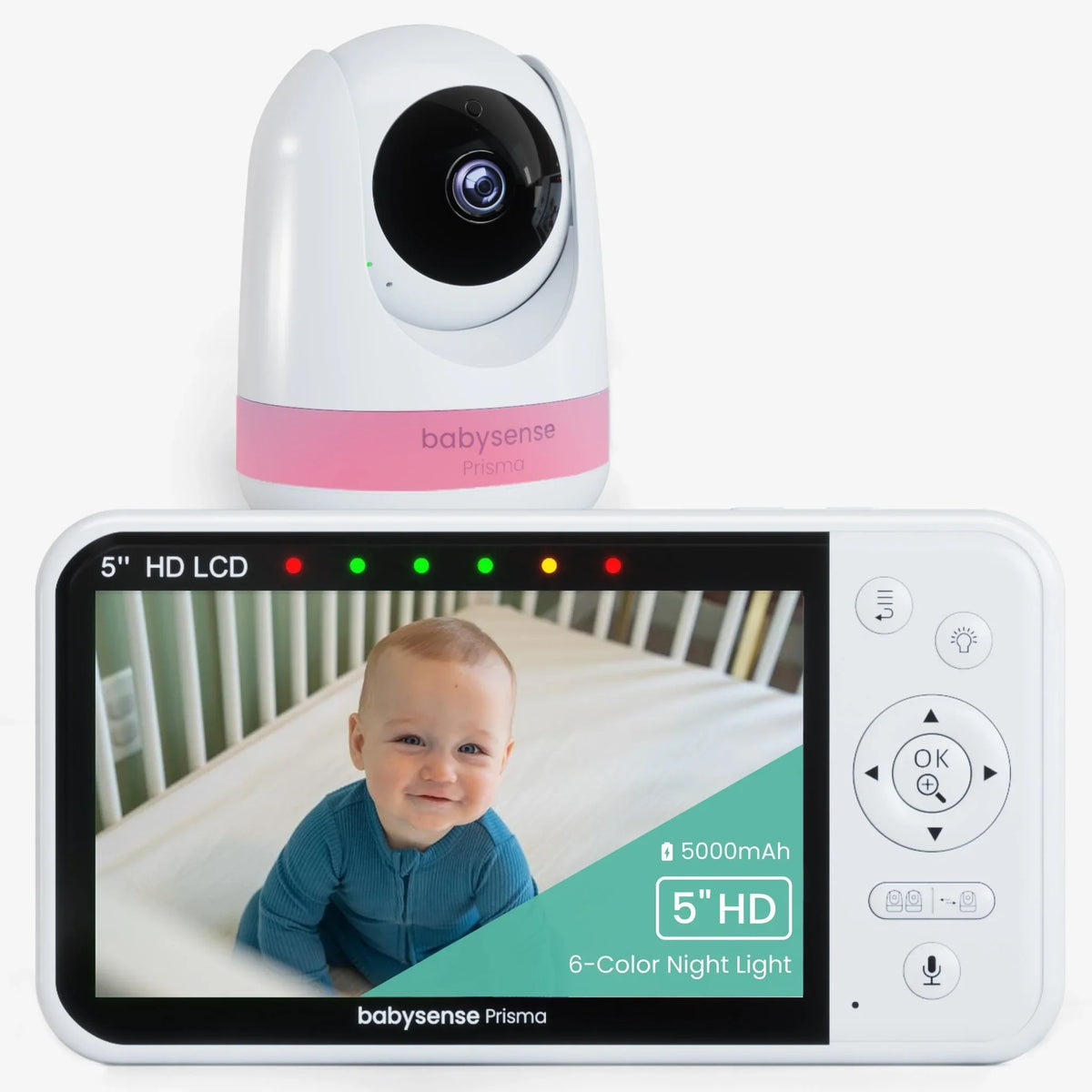
Get Reliable Nursery Monitoring
Take advantage of Babysense video monitors for total peace of mind.
References
1. Safe sleep. (n.d.). https://www.aap.org/en/patient-care/safe-sleep/?srsltid=AfmBOopcmqfrsdSTOIhgEM1FsTcSoX_Cjl2nIzlEhWGm77i_ogBe3baq
2. Marketer of Internet-Connected Home Security video Cameras settles FTC charges it failed to protect consumers’ privacy. (2025, December 11). Federal Trade Commission. https://www.ftc.gov/news-events/news/press-releases/2013/09/marketer-internet-connected-home-security-video-cameras-settles-ftc-charges-it-failed-protect
FAQs
Can I use a security camera as a baby monitor?
You can, but there are real trade-offs. Security cameras are built for surveillance, not caregiving. They typically rely on alert-based audio rather than continuous streaming, are cloud-dependent, and store footage externally. For nursery use, a dedicated baby monitor is generally a better fit.
What is the main difference between a baby monitor and a security camera?
A baby monitor is designed for continuous, close-range caregiving. A security camera is designed for event-based surveillance and property monitoring. The difference shows up most clearly in audio continuity, camera focus, alert calibration, and privacy handling.
Is a Wi-Fi baby monitor safer than a security camera for a nursery?
A Wi-Fi baby monitor designed specifically for infant care will generally offer better audio sensitivity, more appropriate lens calibration, and clearer privacy policies than a repurposed security camera. Non-Wi-Fi baby monitors offer the added benefit of local transmission with no cloud storage at all.
Do baby monitors prevent SIDS?
No consumer monitoring device has been shown to reduce the risk of sudden infant death. Monitors are observational tools that support responsive caregiving, not medical safety devices.