Parent Unit for Split-Screen Video Baby Monitor V43 - Babysense

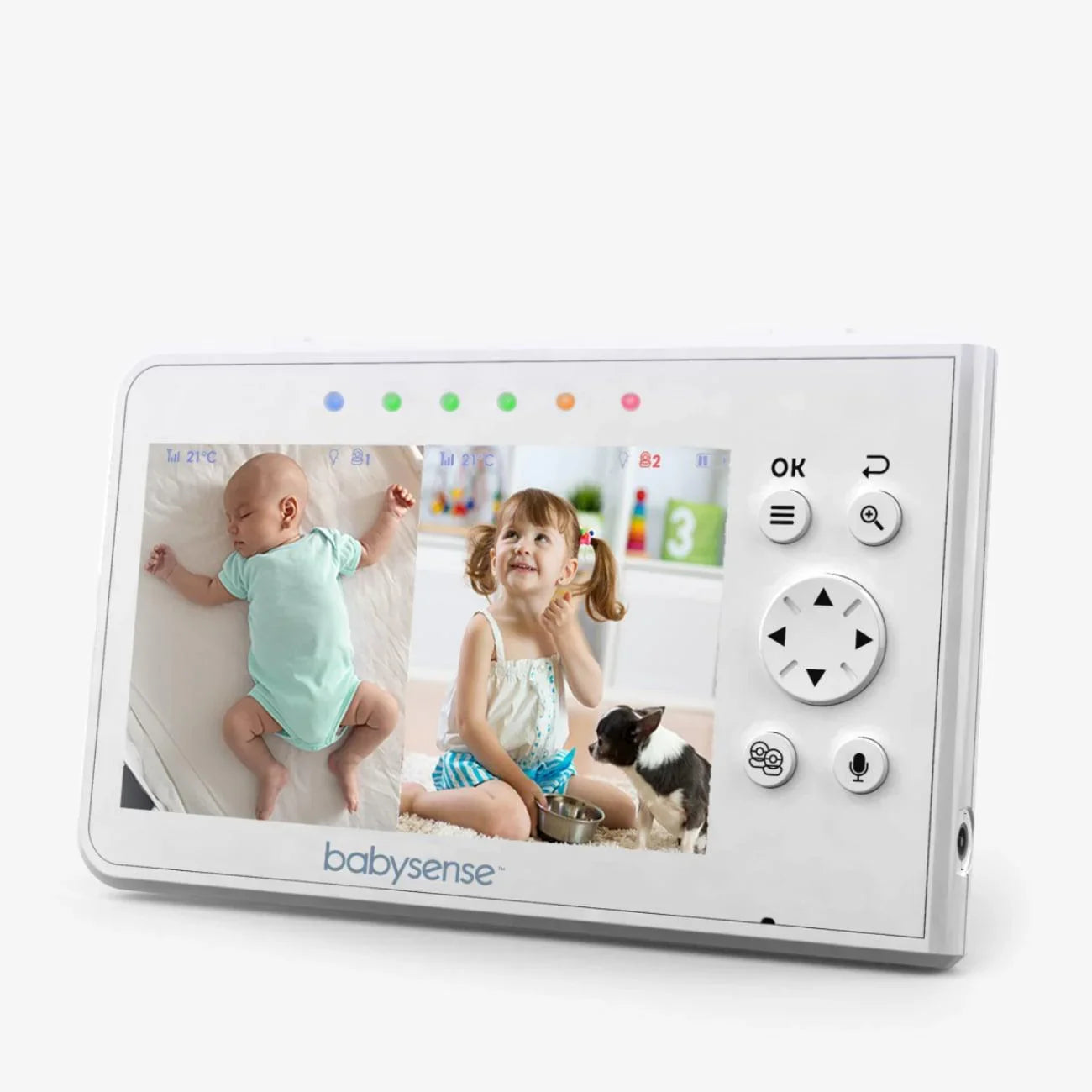
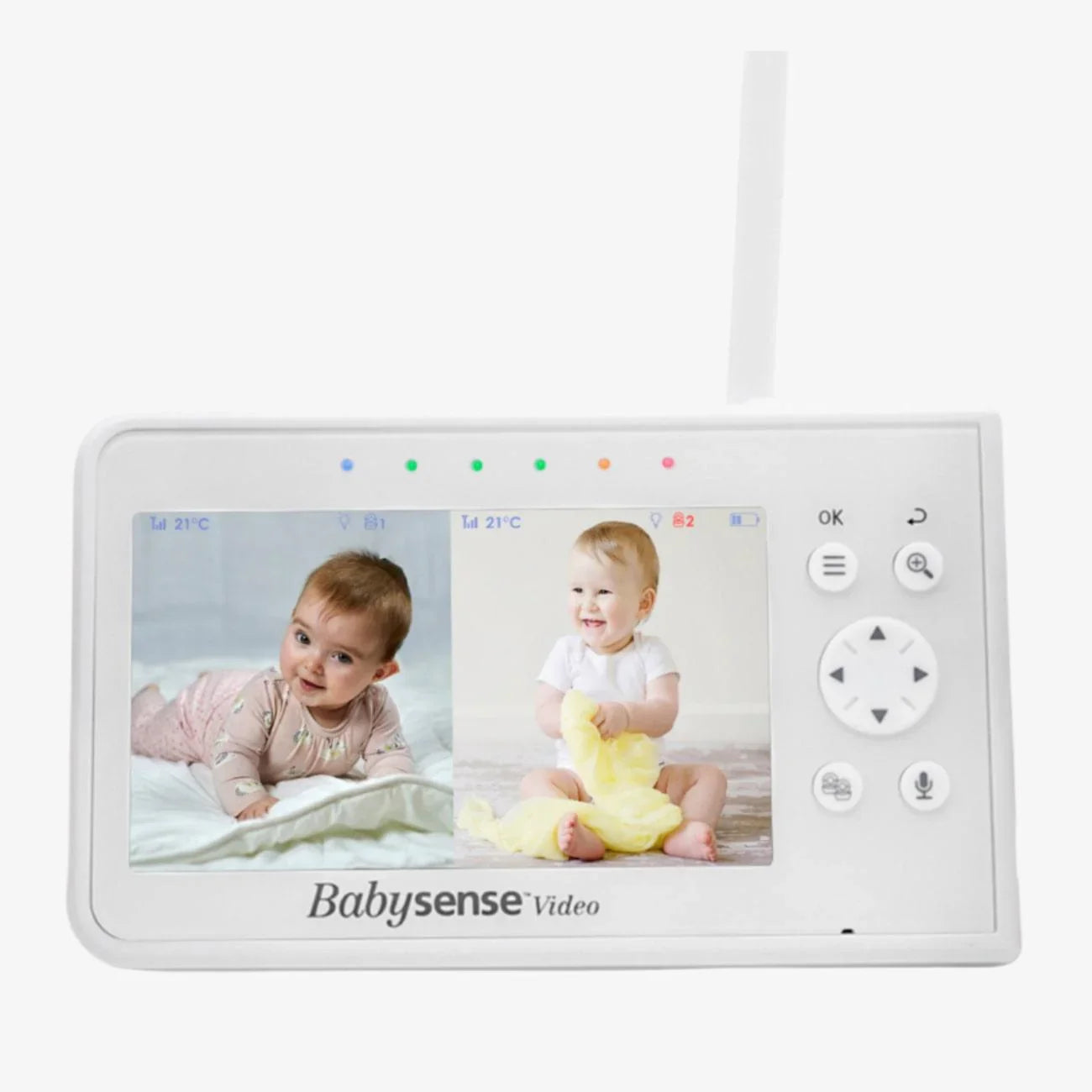
Parent Unit for Split-Screen Video Baby Monitor V43

Sale price$49.99

Parent Unit for your Babysense Video Baby Monitor V43 - Will not work with other models/brands.
Requires V43 Camera Unit to operate - Camera Unit is not Supplied.
Supplied with Power Adapter.
Multi-Camera Expandability - Pair up to four cameras to your V43 Parent Unit.

Important: Two Parent Units cannot be paired to the same camera/s - this unit is only a replacement and should not be purchased as a second/additional parent unit to your existing monitor.

Product Reviews

Overall rating: 4.9310346 / 5 from 29 reviews.

AI Generated Review Summary

The Parent Unit for Split-Screen Video Baby Monitor V43 offers excellent picture quality and ease of use. Customers appreciate the fantastic customer service and the ability to pair up to four cameras for multi-camera expandability.

Summary topics

  • Customer Service: 24%
  • Picture Quality: 20%

Review topics: ["light","shipping","quality","monitor","customer service","screen","features","camera","picture","price"].

Review highlights

  • "The picture quality, easiness of use and battery life are all so good."Kirsty C.
  • "Would definitely recommend, fantastic product and customer service too."Donna J.
  • "Great monitor and great customer service if you need them"CINDY H.

Reviews

A new use for Babysense

"My Partner has a balance problem and has fallen over multiple times just recently. I now have 2 Babysense V43 monitors with 4 cameras each, around the house, so that if she falls again, and cannot get up, I will know and be able to go and help her up."

Robert S. (5/5)

Amazing

"I love this product. I have been using it for two years straight and its amazing"

Borouj Z. (5/5)

Great product

"Battery life slightly poor"

Adam B. (4/5)

Super babyphone et super service client

"Super babyphone et super service client 2 ans que nous sommes conquis par ce babyphone, et le service client est juste incroyable !"

Emily F. (5/5)

Parfait

"Mon unité parentale ayant lâchée dû à chute provoquée par ma fille. J'ai repris le même. Très satisfaite. Le sav est topissime. Merci à eux."

Tatiana C. (5/5)

Super caméra ! Ça fait

"Super caméra ! Ça fait 3 ans que l’on utilise cette appareil. De base on l’a acheté pour surveiller nos deux enfants en simultané et nous sommes en aucuns cas déçu !! Je le recommande 💪🏼"

Sylvie M. (5/5)

Brilliant

"Would never use a different baby monitor again."

Lindsey S. (5/5)

A superb split camera

"I couldn’t do without this monitor for my 2 littles. I misplaced my monitor and ordered another unit. Pairing my 3 cameras was so simple. Really clear voice, picture and very reliable. Thank you. Thoroughly recommend"

Ruth B. (5/5)

Great monitor

"Great features"

Mr G. (5/5)

Best monitor that you can get!!

"We got this monitor from Amazon when we were expecting our second baby a year ago, it’s impressive!! We then thought that we lost monitor few days ago and ordered just a monitor unit from this website and customers service was outstanding. Thank you so much"

Natasa T. (5/5)

Q&A

Our original parent monitor still technically works but the antenna is broken off so it doesn’t have much range. I bought a replacement monitor but I can’t unpair the cameras from the original to pair them with the new one.
No need to un-pair the cameras from the old parent unit. Please make sure the old parent unit is off and disconnected from the electrical outlet. Please see below the steps on how to pair your cameras to the new parent unit: NOTE: Before you begin pairing, be sure to have the Camera/s and Parent Units side by side and turned ON. • Press the MENU/OK button on your Parent Unit and the menu screen will pop up. • Navigate through the menu icons using the NAVIGATION keys (left/right/up/down) to the “Pair” menu option. • Navigate through the options using the NAVIGATION keys and please choose relevant Camera number and then press the MENU/OK button. A “Pairing” message will pop up in the middle of the screen. • Press and hold the PAIR button in the back of the Camera Unit until the connection is established. • Once paired, an image from the paired Baby Unit will display on the screen. • Press the EXIT button to exit the menu.