
"Thank you baby sense support. Had ordered a camera monitor set in 2023 and Just now had to order new cameras and im so thankful for the add on section to where you can buy pieces seperate and not have to buy a whole new set. Support tried their best to help me solve the problem before hand and walked me through the steps to remedy it. Then when it couldnt be fixed they helped me out with ordering new cameras!! They last a while and theyre really good quality and you can tell when theyre going out cause the quality gets worse when they need to be replaced!! Overall i love these and will continue to use this until i am forced to upgrade it. This review is for the v43 set!!"
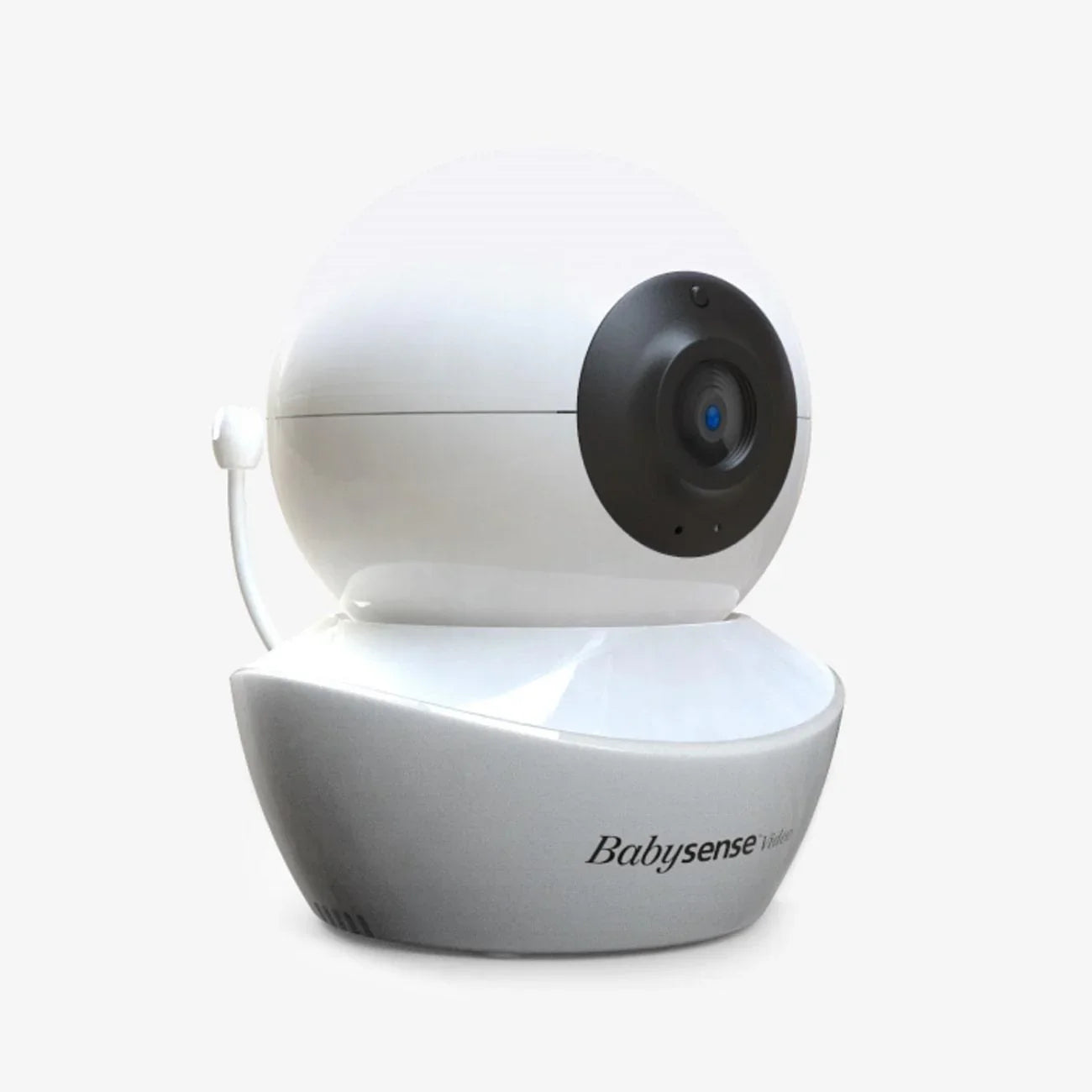
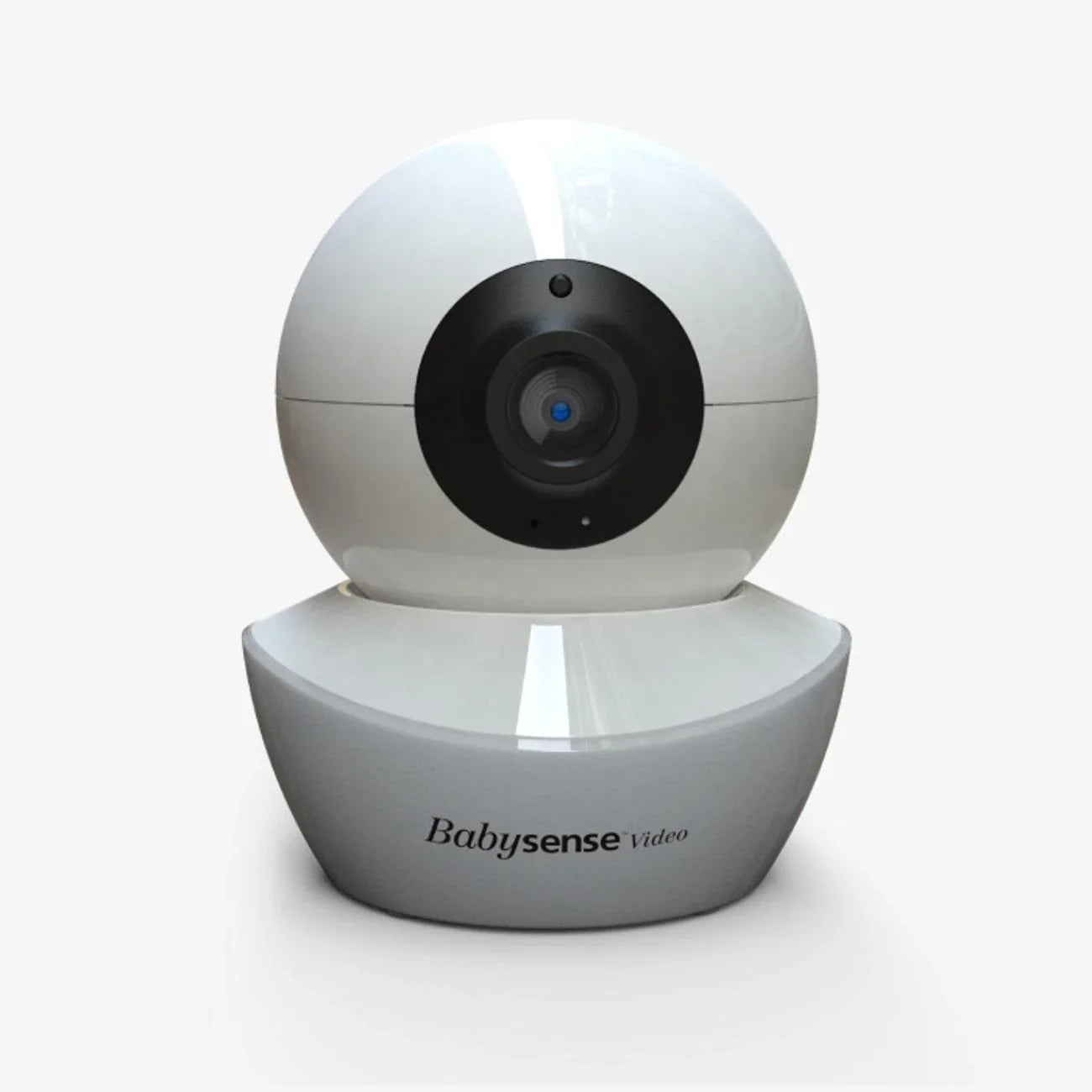
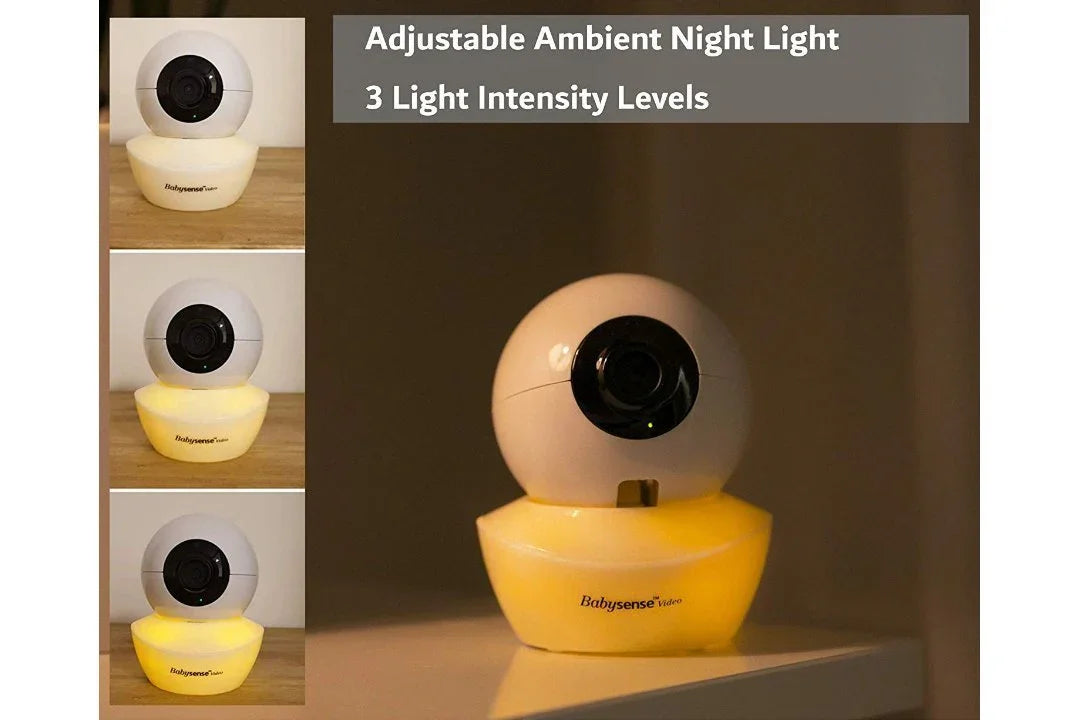
Add-On Camera for Video Baby Monitor V43


Additional Camera Unit for your Split-Screen Video Monitor Model V43.
-
Not compatible with HD S2 Models.
- Multi-Camera Expandability – Pair up to four cameras to your parent unit.
- Camera featuring built-in latest IR night vision.
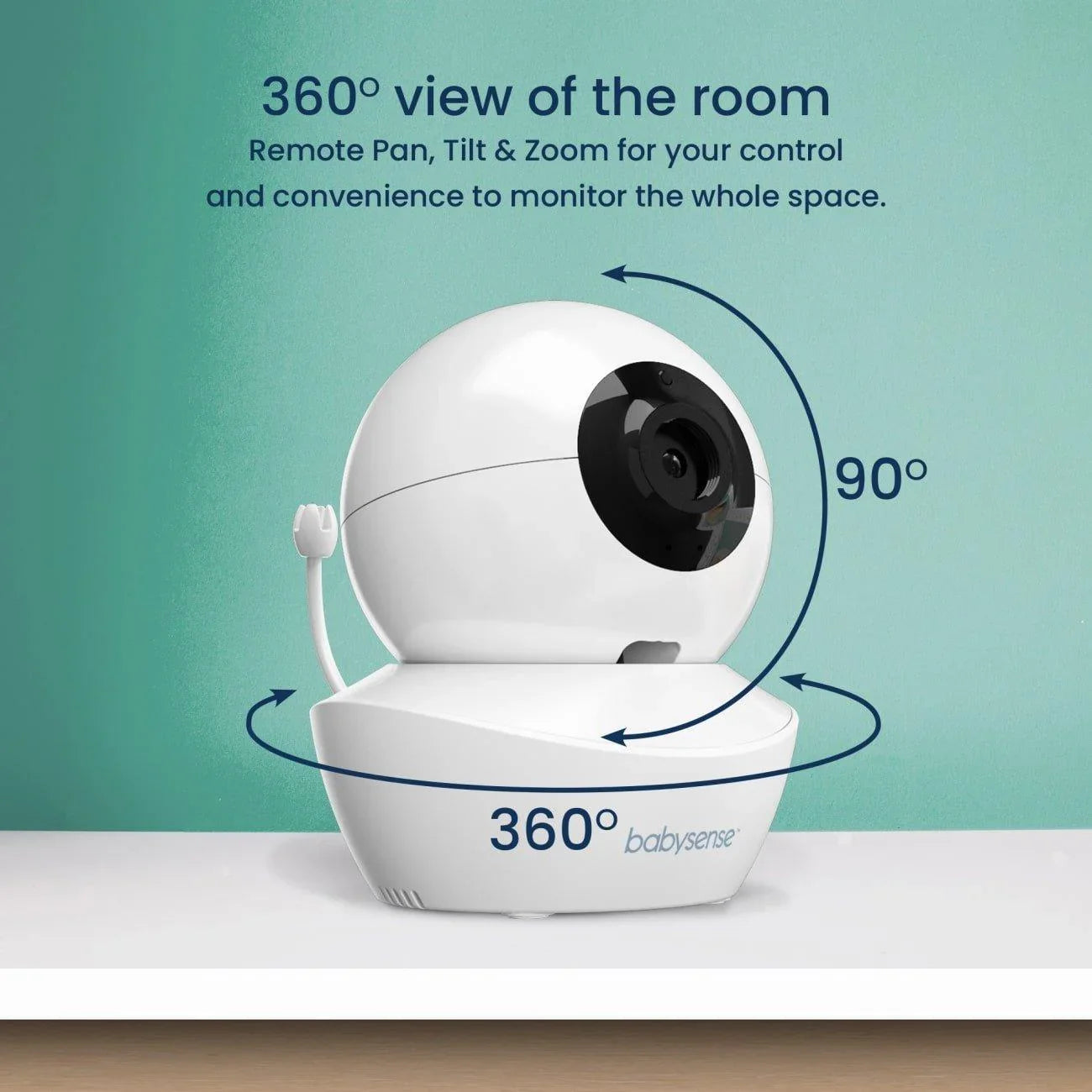
- Remote Pan & Tilt, Tabletop or Wall Mounting Options.
- Requires Video Baby Monitor Model V43 (Not Supplied).
Please Note: This add-on camera is intended for V43 model only and is not compatible with HD S2 models.
Product Reviews
Overall rating: 4.9166665 / 5 from 24 reviews.
AI Generated Review Summary
Summary topics
Review topics: [quality, service, customer service, issue, sound, features, camera, monitor, addition].
Review highlights
Reviews
Bon achat
"Bon achat, bon qualité prix et très bonne réactivité du service client. Merci."
Great product
"I love this baby monitor and camera. We have three cameras total. It’s not being able to switch between rooms for see all of them displayed together. I’ve had the monitor system for over a year with no issues yet. We purchased this additional camera for the play room. Can’t recommend this enough!"
Amazing product and even better customer service
"Besides loving this product I have had nothing but amazing customer service from the Babysense company. I originally had an old model camera. I went to their site to purchase an add on camera. I received an amazing Labor Day deal for half price on an add camera but the model I needed they did not have in stock. Their customer service was so accommodating they extended the coupon expiration date way past what it should’ve been. After talking to them I ended up purchasing a newer model plus an add on camera through amazon all while using the expired coupon. When my camera arrived I had an issue with it, customer service immediately helped me resolve the problem and checked up after the fact to make sure I was still not experiencing any issues. Besides the camera quality being amazing I’d recommend this company the for the customer service aspect alone. You don’t get service like this nowadays."
Great camera at a good price
"The camera connected easily and works great! The microphone works, you can easily toggle between cameras, and the video is clear. You can also move it around or zoom it in to get a good view of any part of the room."
Video Baby monitors
"These have been wonderful. It is so nice being able to see and hear my babies without having to actually going into there rooms to check on them. I love that you can move the camera around for babies that move a lot in there sleep. I also love that you can talk to them."
Great Product
"Love my cameras and that I can rotate through all rooms with one monitor."
Satisfait
"Excellent produit J'ai à présent trois caméra qui fonctionnent parfaitement. Je recommande à mon entourage"
Great for multiples
"I love babysense! I’m able to see all 3 kids rooms and never have to worry. They have great customer service!!"
Perfect camera
"Perfect add on camera for our third baby. Highly recommend this monitor!"
Q&A
- Como conectar el monitor a las cámaras
- To pair an additional camera please follow the steps below: NOTE: Before you begin pairing, be sure to have the Baby and Parent Units side by side and turned on. • Press the MENU/OK button on your Parent Unit and the menu screen will pop up. • Navigate through the menu icons using the NAVIGATION keys (left/right/up/down) to the “Pair” menu option. • Navigate through the options using the NAVIGATION keys and please choose relevant Camera number and then press the MENU/OK button. A “Pairing” message will pop up in the middle of the screen. • Press and hold the PAIR button in the back of the NEW Camera Unit until the connection is established. • Once paired, an image from the paired Baby Unit will display on the screen. • Press the EXIT button to exit the menu.
- For people who have more than 2 cameras how do you watch all the kids at night? We have 2 cameras and are wanting to add a 3rd. We are wondering how you watch all 3 kids and does the signal slow down or glitch the more cameras you have.
- You can pair up to 4 cameras to your parent unit, and activating SCAN mode will automatically switch between all paired cameras in 10-second intervals.
- When will this be back in stock??
- We are expecting a delivery in the coming weeks, but major delays are to be expected due to the Covid19 crisis.