7 Best Non-Wi-Fi Baby Monitors for a Secure Nursery
These seven non-Wi-Fi baby monitors skip the internet connection entirely, keeping things secure and private. From budget-friendly single-camera setups to premium split-screen systems, there's an option here for every nursery.






Updated August 25, 2026
AI Summary


When you're setting up your nursery, the last thing you want to worry about is whether your baby monitor is secure. Non-Wi-Fi baby monitors keep things simple. Your baby's feed stays local, between the camera and your parent unit, and never touches the internet.
In this post, we break down how these monitors work, what makes them a smart choice for a secure nursery, and which models are worth considering right now.
Overview of the 7 Best Non-Wi-Fi Baby Monitors
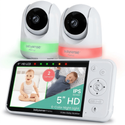
Babysense Prisma
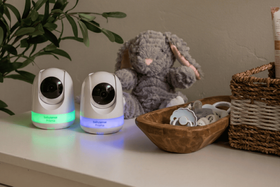
The Babysense Prisma combines monitoring with nursery features like an RGB night light and sound machine, helping parents settle their baby without stepping into the room.
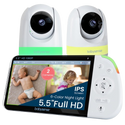
Babysense PRO
The Babysense PRO is built for parents monitoring two babies or two rooms at once, with a large Full HD display and true split-screen viewing.
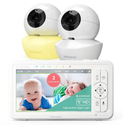
Babysense HD S2 (with 2 Cameras)
The Babysense HD S2 is a great pick for parents who want a sharp, flexible monitoring setup that can cover two rooms right out of the box.
Show more
What Is a Non-Wi-Fi Baby Monitor?
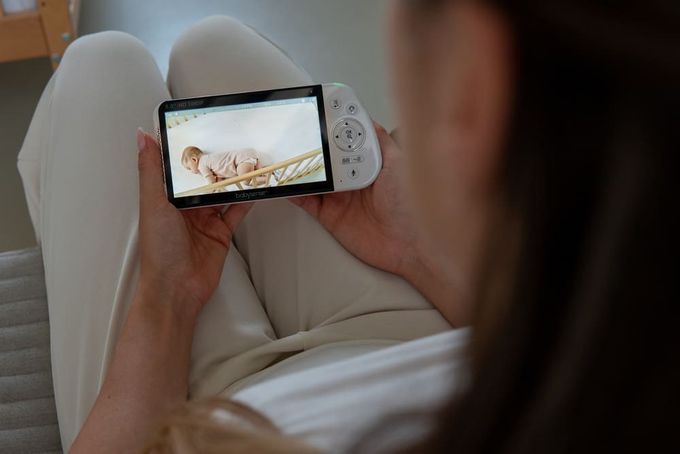
Think of a non-Wi-Fi baby monitor as a private two-way radio system between your baby's room and your hand. The camera captures audio and video, converts it into a radio signal, and sends it directly to your parent unit.
A Wi-Fi monitor works differently. It routes your baby's feed through your home network, up to a cloud server, and then to an app on your phone. That's what gives it remote access, but it also introduces more points where things can go wrong.
When it comes to a Wi-Fi vs. a non-Wi-Fi baby monitor, the core difference is that one keeps your baby's feed in your home, while the other sends it out onto the internet.
How Non-Wi-Fi Monitors Transmit Audio and Video
Most modern non-Wi-Fi video monitors use FHSS, Frequency Hopping Spread Spectrum. Instead of locking onto one radio frequency, the signal constantly hops between frequencies in a pattern shared only between your camera and parent unit. This makes the connection fast, stable, and very difficult to intercept.
Some audio monitors use DECT (Digital Enhanced Cordless Telecommunications), which operates on a dedicated 1.9 GHz band with built-in encryption.
Both technologies create a closed-loop system that works independently of your home network.
Why Parents Choose Non-Wi-Fi Monitors
The main reason is control. With a non-Wi-Fi monitor, your baby's feed stays local. There are no cloud accounts to worry about, no app permissions to manage, and no risk of someone accessing your nursery camera remotely.
These concerns are not hypothetical. Real incidents have involved internet-connected monitors being accessed by strangers, including cases where hackers spoke to children through compromised devices.
- They're also simpler to use.
- No setup headaches.
- No login credentials.
- No apps to update.
You turn it on, and it works, which matters a lot when you're running on broken sleep.
What to Know Before You Buy a Monitor
Non-Wi-Fi monitors are excellent for in-home monitoring, but they do come with trade-offs worth understanding:
- You won't get remote access. If you need to check on your baby from work or while traveling, a non-Wi-Fi monitor can't do that.
- Range is affected by walls, floors, and household electronics, so advertised figures are always best-case scenarios.
- There are no smart features like sleep tracking or app notifications since those all require an internet connection.
What to Look for in a Non-Wi-Fi Baby Monitor
Here are the features worth prioritizing:
- FHSS or DECT encryption: This is the foundation of your monitor's security. Without it, your signal could potentially be picked up by nearby devices.
- Closed loop pairing: Your camera should communicate only with your parent unit. No other device should be able to access the feed.
- Reliable range and signal stability: Look for FHSS technology, which hops frequencies to avoid interference and maintain a stable connection.
- Night vision and good resolution: You need to see your baby clearly in the dark from a safe distance. Pan, tilt, and zoom help you do that without moving the camera closer.
- Two-way audio: Being able to talk to your baby without entering the room is genuinely useful, especially overnight.
- Temperature monitoring: The AAP recommends keeping your baby's sleep environment at a comfortable temperature. A built-in sensor means one less device to manage.
Safe Camera Placement
Whatever monitor you choose, placement matters.
- Keep all cords and monitor parts at least six feet from your baby's crib, bassinet, or sleep space. As your baby grows and starts reaching and rolling, what's out of reach today won't be tomorrow.
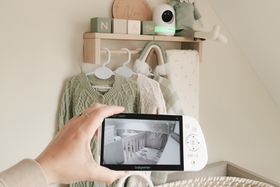
- Wall mounting at an elevated angle is the safest option. It keeps the camera out of reach and gives you a wide downward view of the whole crib.
- Tuck all cables away securely and revisit placement as your baby hits new developmental milestones.
Keep in mind that a monitor is a helpful tool alongside safe sleep practices, not a replacement for them [1].
7 Best Non-Wi-Fi Baby Monitors for a Secure Nursery
1

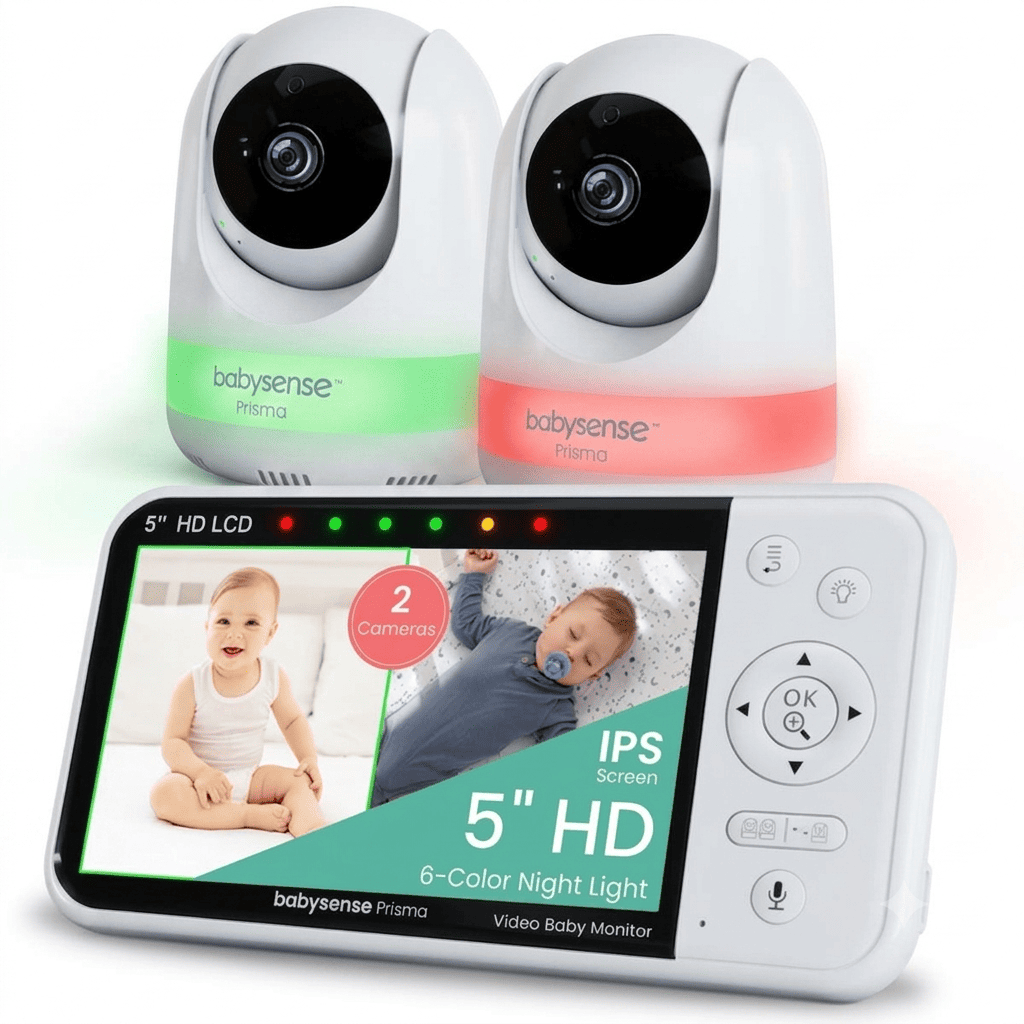
Babysense Prisma
For parents who want to soothe their baby remotely.
Connectivity
Non-Wi-Fi FHSS
Display
5-inch 720p HD
Range
Up to 1,000 ft
Why we chose it
The Babysense Prisma is a good fit for parents who want to do more than just watch. The standout feature is the six-color RGB night light built into both cameras, with three intensity levels per color. You can change it remotely from your parent unit, which means you can adjust your baby's environment without stepping into the room.
Paired with built-in white noise, lullabies, and two-way audio, you have a full set of soothing tools at your fingertips. Split-screen, PTZ cameras, and infrared night vision round out a well-equipped system that stays completely offline.
Pros and cons
Six-color RGB night light with three intensity levels, controllable remotely
Built-in white noise, lullabies, and two-way audio
Split-screen and PTZ camera support
Up to 20 hours of battery in ECO mode
720p display, less sharp than Full HD models
2
Babysense PRO
Top choice for twins or monitoring two rooms simultaneously.
Connectivity
Non-Wi-Fi FHSS
Display
5.5-inch 1080p Full HD
Range
Up to 1,000 ft
Why we chose it
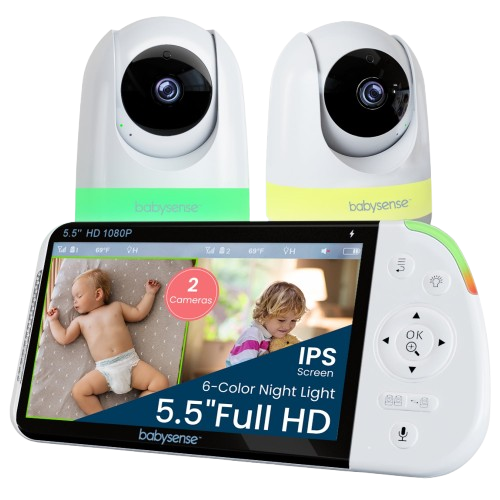
If you're monitoring two babies or two rooms, the Babysense PRO makes it genuinely manageable. The 5.5-inch Full HD 1080p display is the sharpest in the Babysense range, and split-screen mode shows both feeds side by side without losing too much detail.
Both PTZ cameras can be controlled independently, and scan mode alternates audio between them every 15 seconds so you don't miss a sound from either room.
The 5000mAh battery keeps it running up to 20 hours in ECO mode, and the six-color RGB night light can be set differently for each camera, handy if your babies respond to different lighting conditions.
Pros and cons
Sharp 5.5-inch Full HD 1080p display
True split-screen with independent PTZ control on both cameras
Six-color RGB night light controllable per camera
Up to 20 hours of battery in ECO mode
Two-way audio works through one camera at a time
Running multiple cameras continuously uses more battery
3
Babysense HD S2 (with 2 Cameras)
For parents who want clear HD viewing across two rooms.
Connectivity
Non-Wi-Fi FHSS
Display
5-inch 720p HD
Range
Up to 1,000 ft
Why we chose it
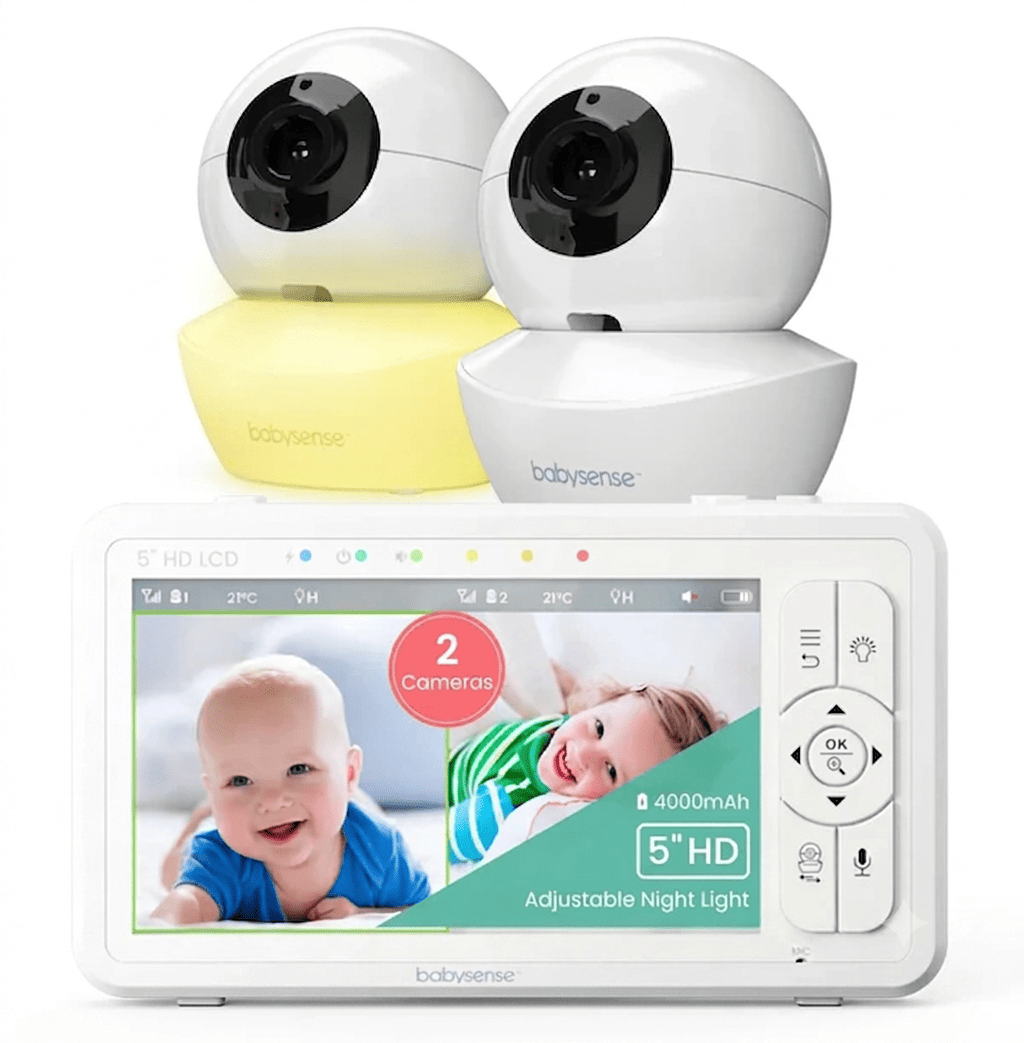
If clear, flexible monitoring is your priority, the Babysense HD S2 with a two-camera setup delivers it well. The 5-inch 720p HD display gives you a comfortable view of your baby from across the room, and split-screen mode lets you watch two spaces at once without switching between feeds.
Both cameras support 360-degree pan, tilt, and 2x and 4x zoom, so you can check positioning and track movement without going into the nursery.
The system runs on a closed-loop FHSS connection, so your baby's feed never touches your home network. A 4000mAh battery gives you up to 20 hours in ECO mode, and the built-in sound machine and remote night light mean fewer separate devices in the nursery.
Pros and cons
5-inch HD display with split screen for two rooms
Remote pan, tilt, and 2x and 4x zoom on both cameras
Up to 20 hours battery life in ECO mode
Built-in sound machine and adjustable night light
720p is less sharp than Full HD when zooming in from a distance
Non-Wi-Fi connectivity limits range to a maximum of 1,000 ft
4
Babysense V43
Perfect for dual-camera monitoring without a big spend.
Connectivity
Non-Wi-Fi FHSS
Display
4.3-inch LCD
Range
Up to 1,000 ft
Why we chose it
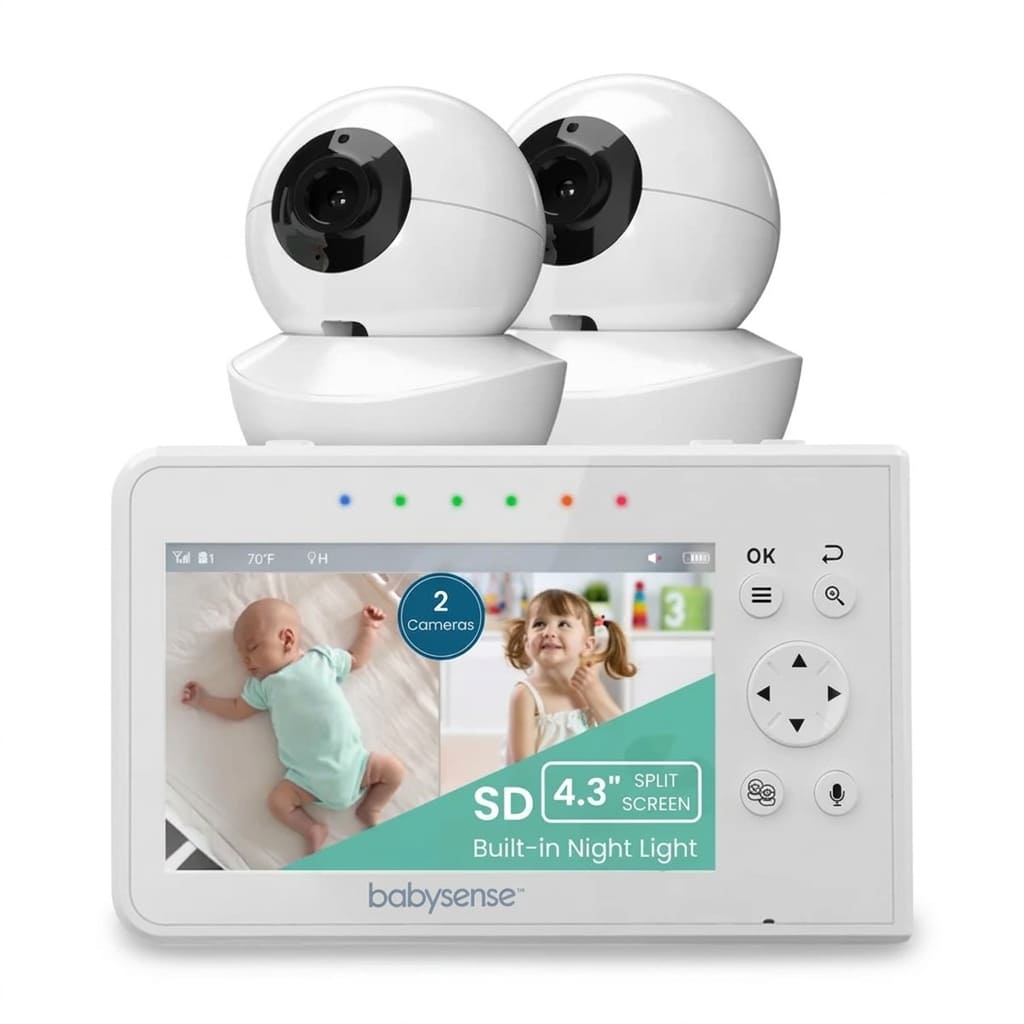
The Babysense V43 gives you a complete dual-camera split-screen setup without the premium price tag.
Both cameras support 360-degree pan, tilt, and zoom, and the system is expandable to four cameras if you need more coverage later. It includes auto infrared night vision, two-way audio, temperature monitoring, lullabies, white noise, and ECO mode, so you're not giving up the core features to save money.
The 4.3-inch screen is a bit more compact than pricier models, but for parents who mainly rely on audio alerts and glance at the screen when needed, it does the job perfectly.
Pros and cons
Full feature set at an accessible price
Split-screen and two cameras included
No Wi-Fi, no app, no cloud storage needed
Remote night light and temperature monitoring
The 4.3-inch screen is smaller than other models
Shorter battery life of around 6 hours in regular mode
5

VTech DM221
Reliable DECT 6.0 technology for audio monitoring.
Connectivity
DECT 6.0
Display
Audio only
Range
Up to 1, 000 ft
Why we chose it
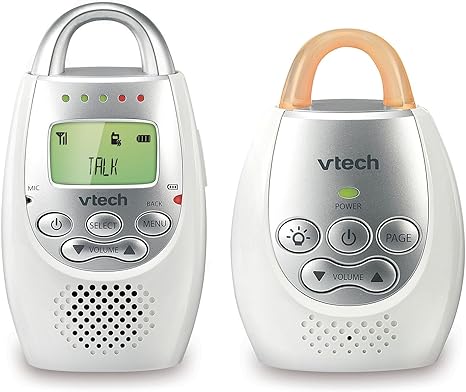
Not every parent needs a screen. If you only want to hear your baby and respond when needed, the VTech DM221 keeps things refreshingly simple. It uses digital DECT 6.0 technology for a secure, interference-free audio connection. It also supports two-way communication, so you can talk to your baby without going into the room.
The parent unit reaches up to 103.4 decibels, which is loud enough for deep sleepers. Then there's the five-level LED sound indicator, which shows noise levels even when the volume is muted.
The DM221-2 version comes with two parent units, which is useful for households with multiple caregivers.
Pros and cons
Secure and interference-free audio with DECT 6.0
Two-parent unit option for shared caregiving
Five-level LED sound indicator
Vibrating sound alerts
Real-world indoor range is significantly lower than advertised
The baby unit needs a constant power connection, no battery option
6

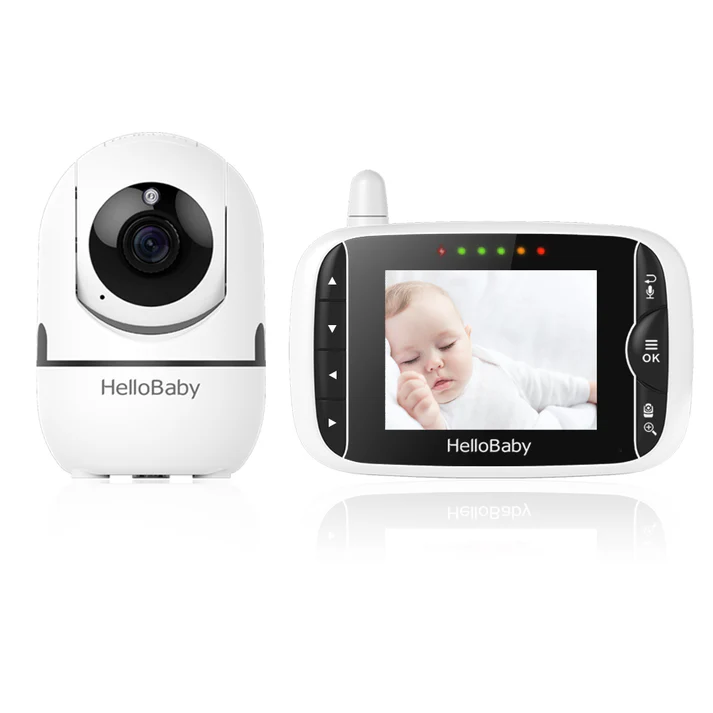
HelloBaby HB65
Simple design for hassle-free monitoring.
Connectivity
Non-Wi-Fi FHSS
Display
3.2-inch LCD
Range
Up to 1,000 ft
Why we chose it
If ease of use is your top priority, the HelloBaby HB65 is one of the most straightforward monitors in this roundup. It powers on and pairs automatically with no network setup, app, or account required. Any caregiver can pick it up and use it immediately without reading a manual.
It includes pan, tilt, zoom, infrared night vision, two-way audio, temperature monitoring, lullabies, and audio-only mode, covering all the basics in a simple interface.
The smaller screen size and rechargeable parent unit also allow for easy portability.
Pros and cons
Extremely simple setup, no technical knowledge needed
Full PTZ and auto infrared night vision
Expandable to four cameras
Smaller 3.2-inch screen isn't ideal for grandparents
Lower video resolution and no 4x zoom
7

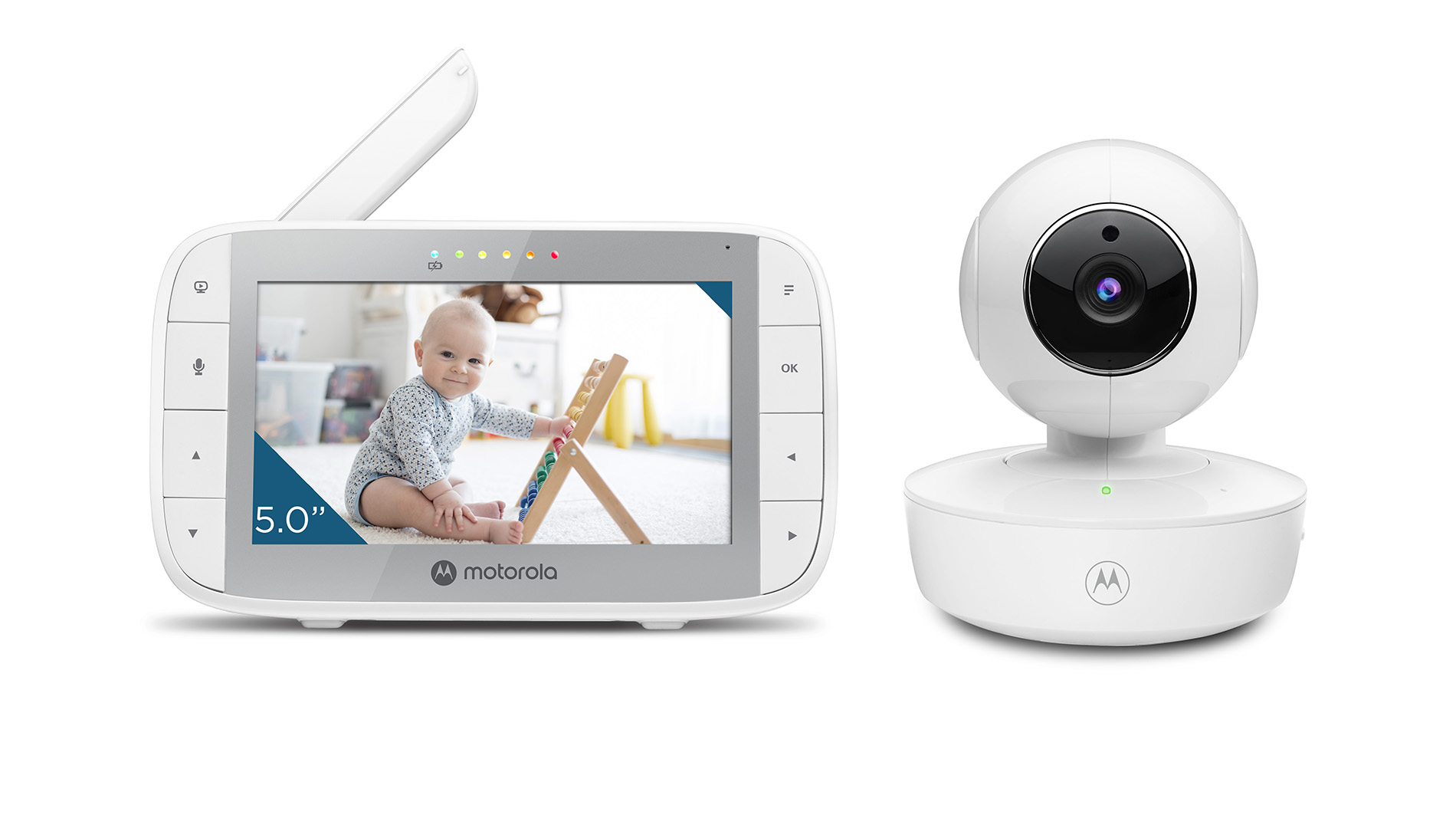
Motorola VM36XL
Battery-powered for portable convenience.
Connectivity
Non-Wi-Fi FHSS
Display
5-inch TFT LCD
Range
Up to 1,000 ft
Why we chose it
Most non-Wi-Fi monitors need to stay plugged in. The Motorola VM36XL is different because the camera has its own built-in 1200mAh rechargeable battery, giving you short-term cordless use that makes it genuinely portable. That means you can set it up in a hotel room, at a grandparent's house, or in a different room without hunting for a power outlet.
The parent unit runs on a 2000mAh rechargeable battery with five hours of playtime. The monitoring system supports up to four cameras with split-screen and patrol mode, which cycles through feeds automatically. Infrared night vision, remote PTZ, two-way audio, and temperature alerts are all included.
Pros and cons
The camera has a built-in rechargeable battery, genuinely portable
Patrol mode cycles through multiple cameras automatically
Remote PTZ and two-way audio included
The camera battery lasts around three hours only, and needs power for extended use
Parent unit battery lasts around five hours, shorter than most competitors
Finding the Right Non-Wi-Fi Monitor for Your Family
If you want a reliable, privacy-first monitor that covers the everyday basics, the Babysense HD S2 is one of the most well-rounded options available. It gives you HD video, split-screen flexibility, long battery life, and remote camera control, all without apps, logins, or internet dependency.
Families with twins or two rooms to cover will find the Babysense PRO worth a closer look. If you travel frequently or just want something simple that any caregiver can use, the Motorola VM36XL or the VTech DM221 are both solid picks.
References
1. Torrance, N. (2023, November 27). Can Home Baby Monitors Prevent Sudden Infant Death Syndrome?https://communityhealth.mayoclinic.org/featured-stories/sids-baby-monitors
FAQs
What's the difference between a Wi-Fi and a non-Wi-Fi baby monitor?
A Wi-Fi monitor routes your baby's feed through your home network, a cloud server, and then to an app on your phone. A non-Wi-Fi monitor sends the feed directly between the camera and your parent unit using radio frequency technology. One gives you remote access, the other keeps everything local and private.
Can non-Wi-Fi monitors be hacked?
The idea that no Wi-Fi means no hacking is broadly accurate in everyday use, but not completely absolute. Analog monitors can be picked up by nearby receivers. Digital monitors using FHSS or DECT encryption are significantly more secure because the signal hops frequencies and is encrypted. If privacy matters to you, look specifically for FHSS or DECT technology rather than any non-Wi-Fi monitor.
How do I reduce signal interference at home?
Keep the monitor one to two meters away from microwaves, Bluetooth speakers, and other wireless devices. Switch off smart home gadgets you're not using overnight. FHSS technology handles most interference automatically by hopping to a clearer frequency, but physical distance from competing devices still helps.
When should I stop using a baby monitor?
There's no set age. It really comes down to your child and the type of monitor. With video or audio monitors, some parents stop around 6–12 months. Other parents stick with them well into the toddler years or even up to age 4. Breathing movement monitors are a bit more structured: use one sensor pad from birth to three months (or until your baby starts rolling), then two pads after that. Under-mattress sensors can get less reliable once babies start moving around more, usually by twelve months, since they can roll off the sensor zone.
Can I use a non-Wi-Fi monitor if I have a large home?
Yes, but test your signal before relying on it. Walk around your home with the parent unit after setup, including upstairs, the kitchen, and any outdoor areas. If you find dead zones, reposition the camera or consider a model with stronger range performance.
How do I look after my monitor's battery long term?
Avoid charging from completely flat, keep the monitor away from heat sources and direct sunlight, use VOX or ECO mode to reduce screen on time, and always use the manufacturer's original charger. Overcharging and heat are the two biggest causes of early battery degradation.
Is a baby monitor covered by HSA or FSA?
Some monitors, including select Babysense products, may be eligible for purchase using Health Savings Account or Flexible Spending Account funds. Check with your benefits provider before purchasing to confirm eligibility.