7 Best Smart Baby Monitors for Tech-Savvy Parents
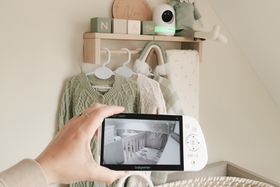
Smart baby monitors range from simple video feeds to advanced sleep analytics and health tracking. Start by deciding what you actually need: remote viewing, sleep pattern insights, vital-sign monitoring, or just peace of mind. The best monitor fits your home, budget, and parenting style, not just the one with the most features.






Updated August 25, 2026
AI Summary


Picking the right baby monitor depends on what you actually need, not what sounds good in a marketing email. The market has a lot of options, each promising to be the smartest, most advanced, most essential monitor you'll ever buy. However, the best monitor for your family is one that fits your home, works with your routine, and helps you feel calmer, not more anxious.
We've reviewed the top options across different categories. Below you'll find monitors for working parents, data-driven sleepers, multi-room families, and parents seeking specific features like AI alerts.
Overview of the 7 Best Smart Baby Monitors
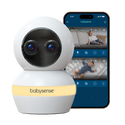
Babysense Touch with 2 Cameras
Perfect for seamless nursery monitoring, combining a massive 7" interactive parent unit with smartphone app access for total peace of mind at home or away.
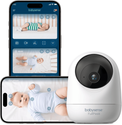
Babysense FullPeek
A straightforward pick for working parents who want clear video, auto-tracking, and reliable app access without advanced sleep analytics.
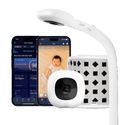
Nanit Smart Baby Monitor
Perfect for data-driven parents who want detailed sleep analytics, care logs, caregiver coordination, and smart home integration in one dashboard.
Show more
Understanding Smart Baby Monitors
Before choosing a monitor, here's what you need to know:
What Smart Monitors Offer
Smart monitors go beyond basic audio and video. They provide:
- Mobile app access
- Sleep summaries
- Temperature tracking
- Caregiver sharing
- Smart home integration
The real value is pattern recognition: noticing when your baby wakes at consistent times, settles better after routines, or gets restless when the room is warm. Research shows consistent bedtime routines improve sleep onset and reduce night wakings [1].
Who Benefits Most From Smart Monitors
Smart monitors are most valuable for:
- Working parents who need remote access
- Parents who want to track sleep patterns
- Families with multiple caregivers
- Those wanting customizable alerts
How to Use Smart Monitors Safely
Interpreting Data Insights
Common data includes video, audio, sound events, motion, cry alerts, sleep and wake periods, room temperature, humidity, and sometimes breathing or oxygen data.
It's important to use this data by looking for patterns and not reacting to every alert. Remember that babies don't develop regular sleep cycles until around 6 months, and newborns sleep in short bursts [2].
Enhancing Security
Smart monitors collect sensitive information: video, routines, sleep patterns, and room layout. Choose monitors with:
- Encrypted connections
- Strong passwords
- Two-factor authentication
- Limited caregiver permissions
Change default passwords, use a strong Wi-Fi password, and keep devices updated. The FTC took action against a camera company for exposing private nursery feeds, showing these concerns are real.
Safe Placement
Never place cameras, cords, or monitor parts inside the crib or within the baby's reach. Keep all cords at least six feet from the sleep surface [3]. Babies become mobile quickly, so plan placement for the next stage.
For AI or sleep analytics, some systems require overhead positioning. For example, Nanit needs the floor stand or overhead mount, and CuboAi works best with the camera directly above the crib filling the full screen.
What Monitors Cannot Do
Smart monitors are support tools, not safety guarantees. They do not prevent SIDS.
Always place babies on their backs, on firm, flat surfaces, in clear sleep spaces. If medical monitoring is needed, speak with your pediatrician.
The 7 Best Smart Baby Monitors
1

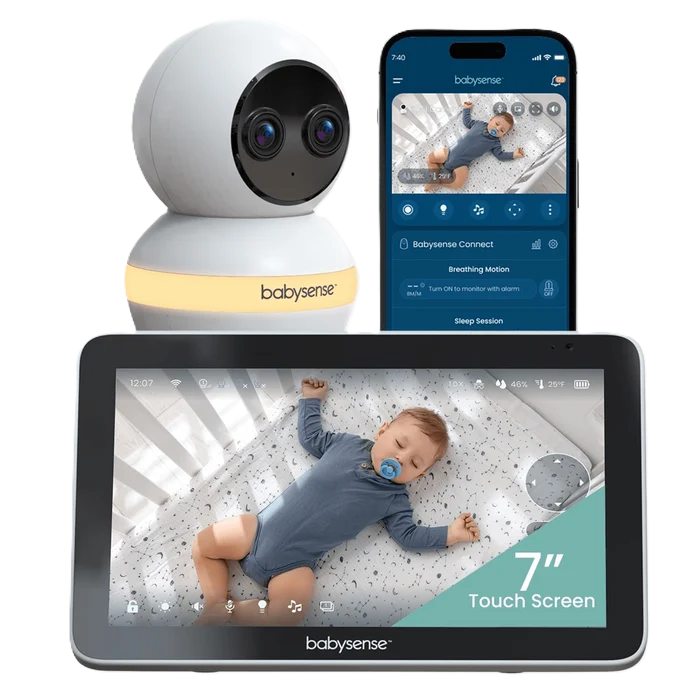
Babysense Touch with 2 Cameras
Interactive touchscreen, smart app viewing, one ecosystem, the ultimate hybrid monitor for modern nurseries.
Video/Display
Massive 7" IPS Touchscreen with 4MP Dual-Lens camera & 6X hybrid zoom
Connectivity
Hybrid local monitoring (up to 1,000 ft) & secure 2.4GHz Wi-Fi for remote app viewing
Key Feature
AI Auto Tracking with customizable Focus Area and zero-subscription smart alerts
Why we chose it
The Babysense Touch offers the ultimate flexibility for modern parents by bridging the gap between a dedicated home monitor and a smart Wi-Fi camera. Equipped with a huge 7" IPS touchscreen parent unit, it gives you a zero-latency, lag-free feed with an extended local range of up to 1,000 feet without needing Wi-Fi.
When you’re away from home, the secure, subscription-free Babysense app provides encrypted remote access straight to your smartphone. Featuring an advanced 4MP dual-lens camera with 6x hybrid zoom and AI Auto Tracking, the monitor intelligently follows your baby's movements while keeping a sharp focus on the crib. With built-in cry detection, two-way audio, and sleep support features like white noise, lullabies, and a night light, it delivers total nursery control in one sleek system.
Pros and cons
Dedicated 7" touchscreen local unit plus remote smartphone app access
Intelligent AI Auto Tracking, customizable Focus Area, and cry detection alerts
Full smart alert features and family sharing with zero subscription fees
Up to 20 hours in VOX mode (12 hours continuous screen time)
Includes one camera out of the box (though expandable up to 4 cameras)
Wi-Fi app monitoring strictly requires a 2.4GHz network connection
2
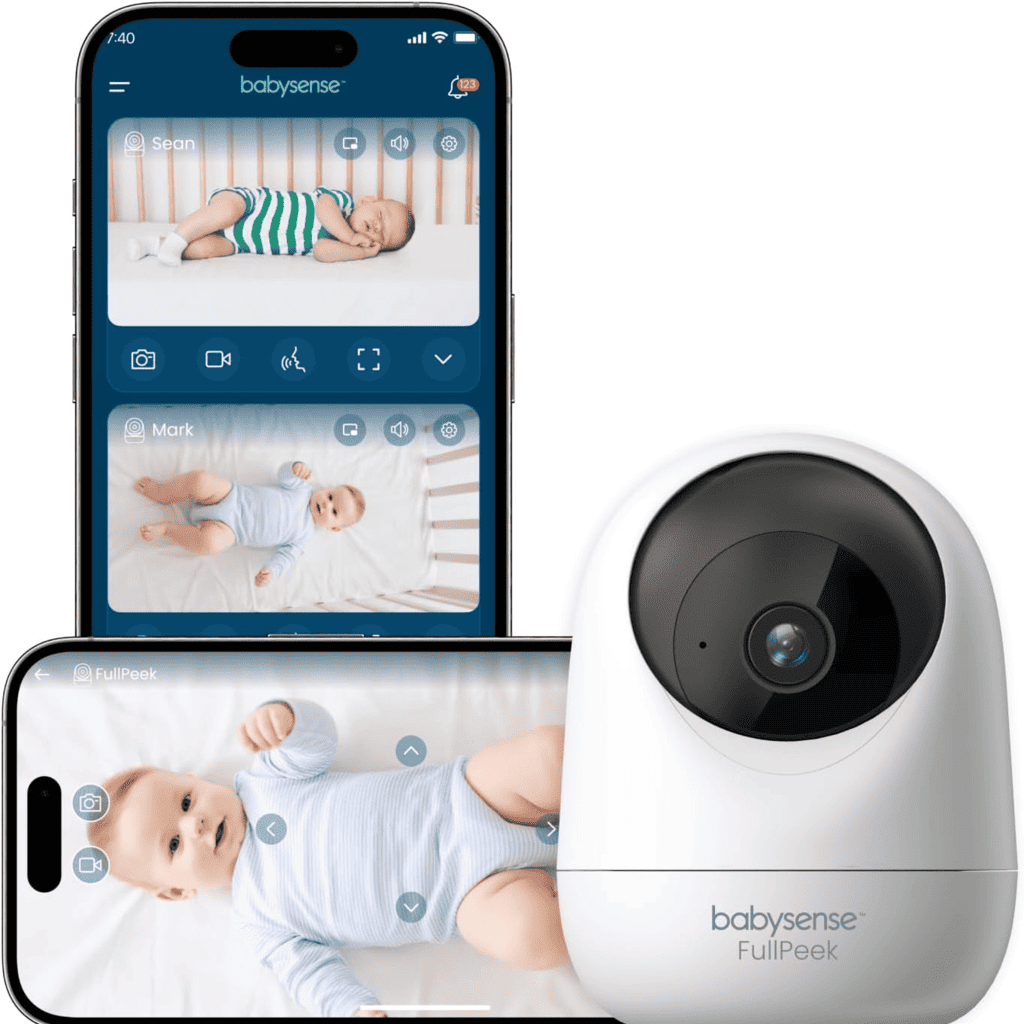
Babysense FullPeek
Clear HD video and app access, auto-tracking included, no sleep analytics.
Video/Display
3MP Super HD video with auto-tracking
Connectivity
App-based remote viewing and two-way audio with 2.4GHz Wi-Fi
Key Feature
Auto-tracking that follows movement around the crib
Why we chose it
The FullPeek keeps things straightforward while delivering everything working parents actually need.
The 3MP Super HD video is clear enough to mount the camera safely across the room without losing detail. Auto-tracking follows your baby as they move around the crib, so you're not constantly adjusting angles or zooming in.
You get sound and motion alerts when it matters, two-way audio to soothe from another room, and app access from anywhere. There's no sleep coaching algorithm, no medical claims, no unnecessary complexity. It's built for parents who want reliable monitoring from their phone without overthinking it.
Pros and cons
Simple setup and quick installation
Crystal clear HD video quality
Very affordable for smart monitoring
Auto-tracking follows baby movement
App only works in the United States
Requires stable 2.4GHz Wi-Fi
3

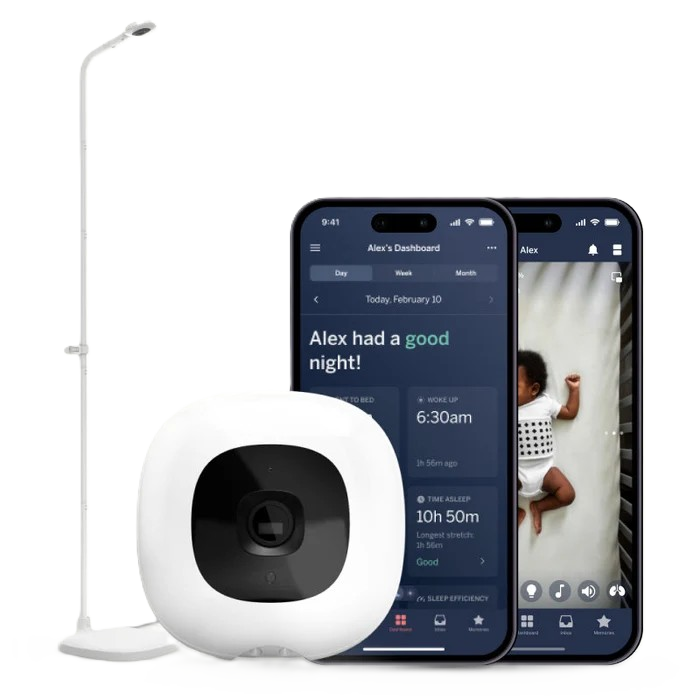
Nanit Smart Baby Monitor
Sleep analytics and care logs, data-driven insights for understanding your baby's rhythms.
Video/Display
1080p HD video with real-time sound and motion notifications
Connectivity
App-based with smart home integration (Alexa and Google Home)
Key Feature
Advanced sleep analytics, care logs, and caregiver coordination
Why we chose it
The Nanit Smart Baby Monitor transforms a basic video monitor into a parenting intelligence tool. The 1080p camera combined with advanced sleep analytics turns every night into data you can actually use. You see not just video, but sleep duration, wake patterns, time to fall asleep, and room conditions that might affect sleep.
The care log feature lets you track feeding, diaper changes, and caregiver notes in one place, which matters when multiple people are responsible for your baby. Built-in Alexa and Google Home integration means you can ask about sleep stats or view the live stream on your smart displays without opening another app.
Pros and cons
Comprehensive sleep analytics and tracking
Caregiver access controls and permissions
Smart home compatible integration
Sleep tracking requires correct mounting
Advanced features may need subscription
Requires stable Wi-Fi connection
4

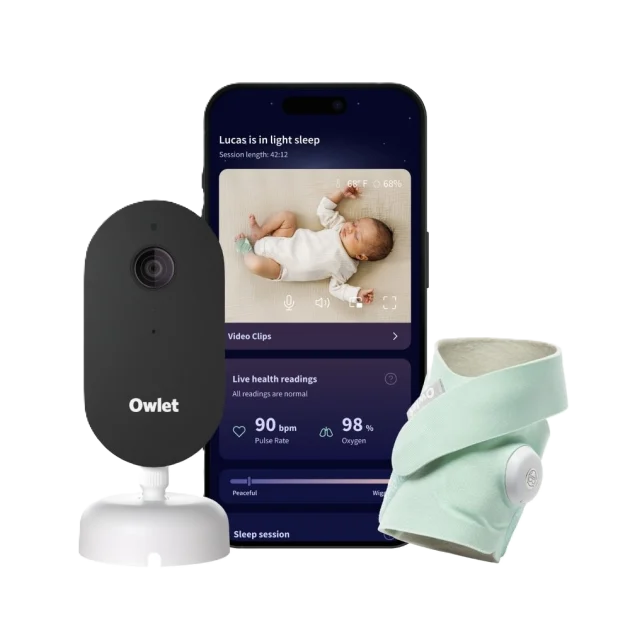
Owlet Dream Duo 3
Pulse, oxygen, and video, FDA-cleared vital signs plus comprehensive app monitoring.
Video/Display
2K HD video monitoring
Connectivity
App-based with FDA-cleared Dream Sock for vital signs
Key Feature
FDA-cleared pulse and oxygen monitoring without subscription
Why we chose it
The Owlet Dream Duo 3 combines 2K video with FDA-cleared pulse and oxygen monitoring, which matters if wellness readings are important to your peace of mind.
The Dream Sock uses light sensors to track your baby's pulse rate and oxygen levels throughout the night. All readings appear in the app alongside video, sleep history, and room conditions. Unlike other vital sign monitors, Owlet doesn't require a subscription for core features like live health readings and video streaming.
The base station keeps critical information accessible without relying entirely on your phone. For parents who want clinical-grade monitoring without a big monthly bill, this fills a specific need. Just remember it's monitoring support, not a substitute for medical care or safe sleep practices.
Pros and cons
FDA-cleared pulse and oxygen readings
Comprehensive app data with readings
Base station for overnight monitoring
Strong data encryption included
Requires proper sock fit always
Not a medical care substitute
Needs Bluetooth range from station
Sock charging and management required
5

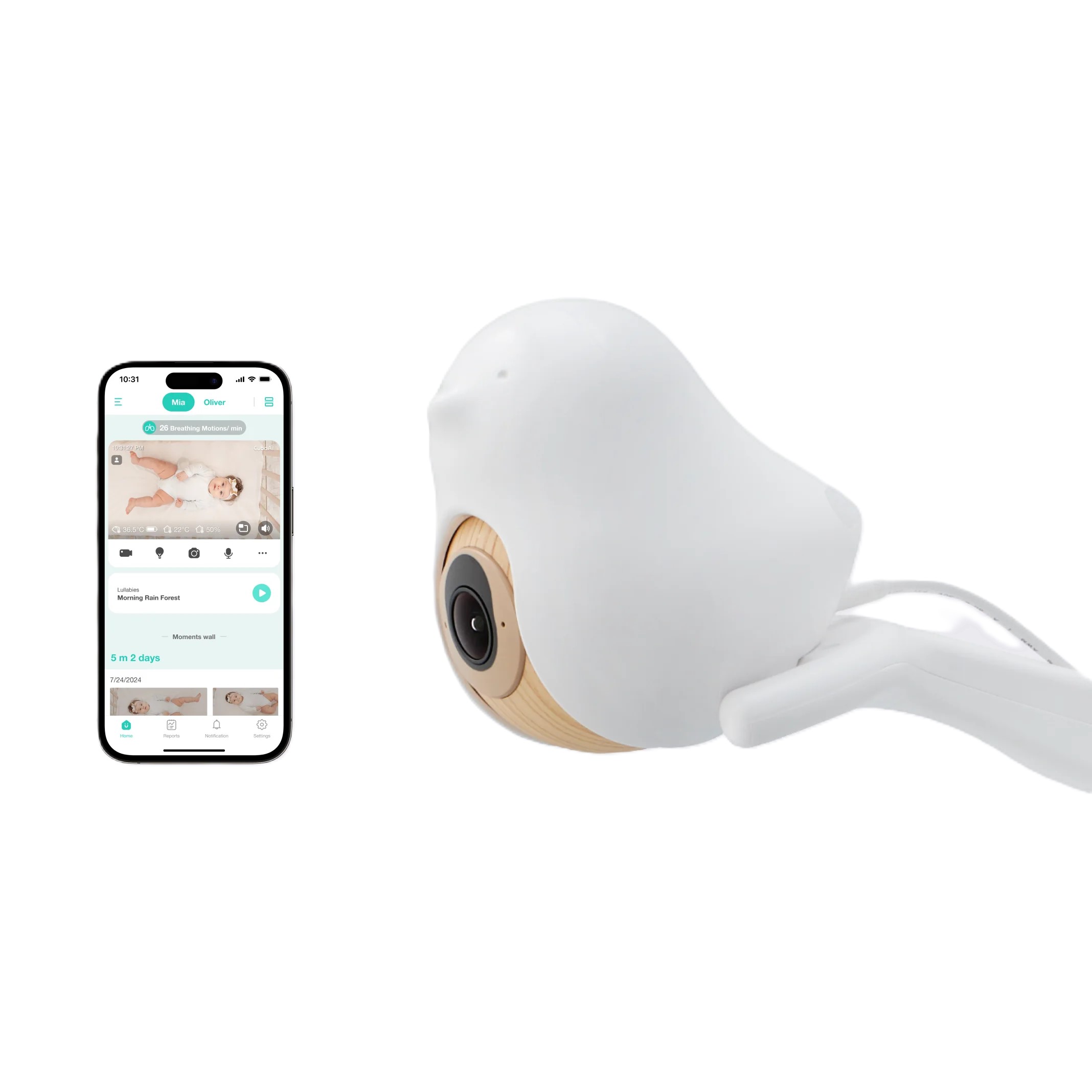
CuboAi 3
A monitor that replaces generic alerts with helpful AI-powered insights.
Video/Display
2.5K QHD video with three days of continuous playback
Connectivity
App-based with AI-powered event detection
Key Feature
AI alerts for covered face, rollover, coughing, and danger zones
Why we chose it
The CuboAi 3 stands out because its AI learns your specific baby rather than sending generic motion notifications. The system detects covered face, rollover, coughing, and danger zone activity, then categorizes each event so you know what triggered the alert.
Instead of manually reviewing hours of video footage, you can check what actually happened during specific events. The 2.5K QHD video is crisp, and the app offers three full days of continuous playback history. This matters once your baby becomes mobile and can roll into unsafe positions or move into areas you need to monitor.
Just remember the AI depends on correct camera placement directly above the crib for best results.
Pros and cons
Specific AI detection alerts
Event categorization by type
Three days playback history
High-quality 2.5K QHD resolution
Features depend on Wi-Fi strength
Some features require subscription
AI accuracy varies by setup
6

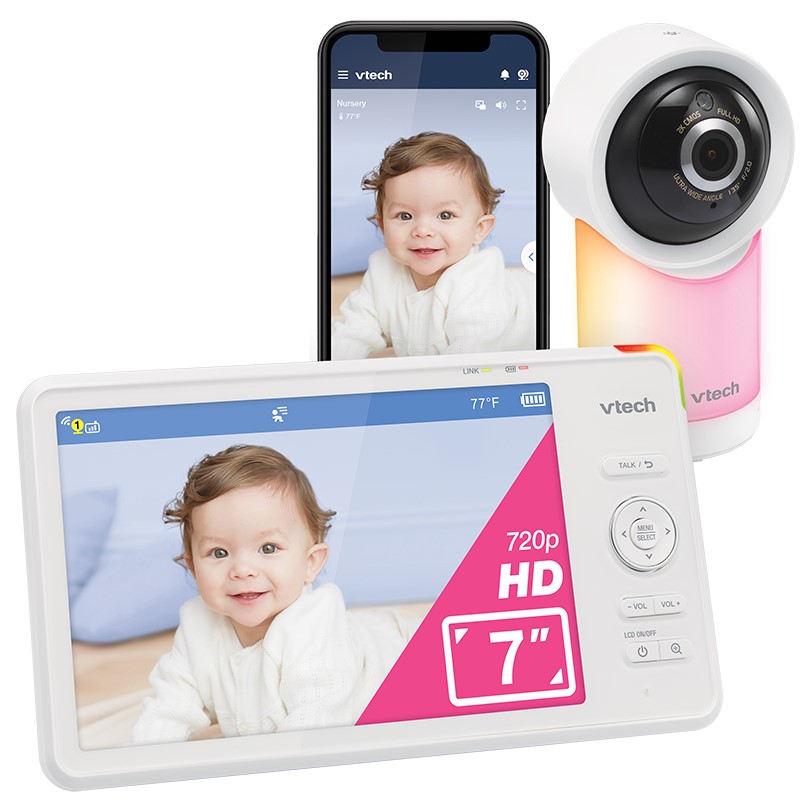
VTech RM7766HD
7-inch screen and app access, flexibility for overnight use and remote viewing.
Video/Display
7-inch parent unit with 1080p Wi-Fi remote camera
Connectivity
Local parent unit plus app-based remote access
Key Feature
Pan, tilt, 10x zoom on both screens, plus temperature and motion detection
Why we chose it
The VTech RM7766HD solves the problem of choosing between screen-based and app-based monitoring by offering both. The 7-inch parent unit beside your bed works independently, so you don't need your phone powered up all night or your Wi-Fi to stay stable.
During the day, when you're at work or out of the house, the 1080p Wi-Fi camera activates, letting you check in remotely and share access with caregivers. Pan, tilt, and 10x zoom let you adjust the view from either the screen or the app.
It's a practical middle-ground system for parents who want app convenience without abandoning a physical screen entirely.
Pros and cons
Flexible viewing between screen and app
Large parent unit screen included
10x zoom capability on both
Router strength affects app performance
App has limited advanced features
7

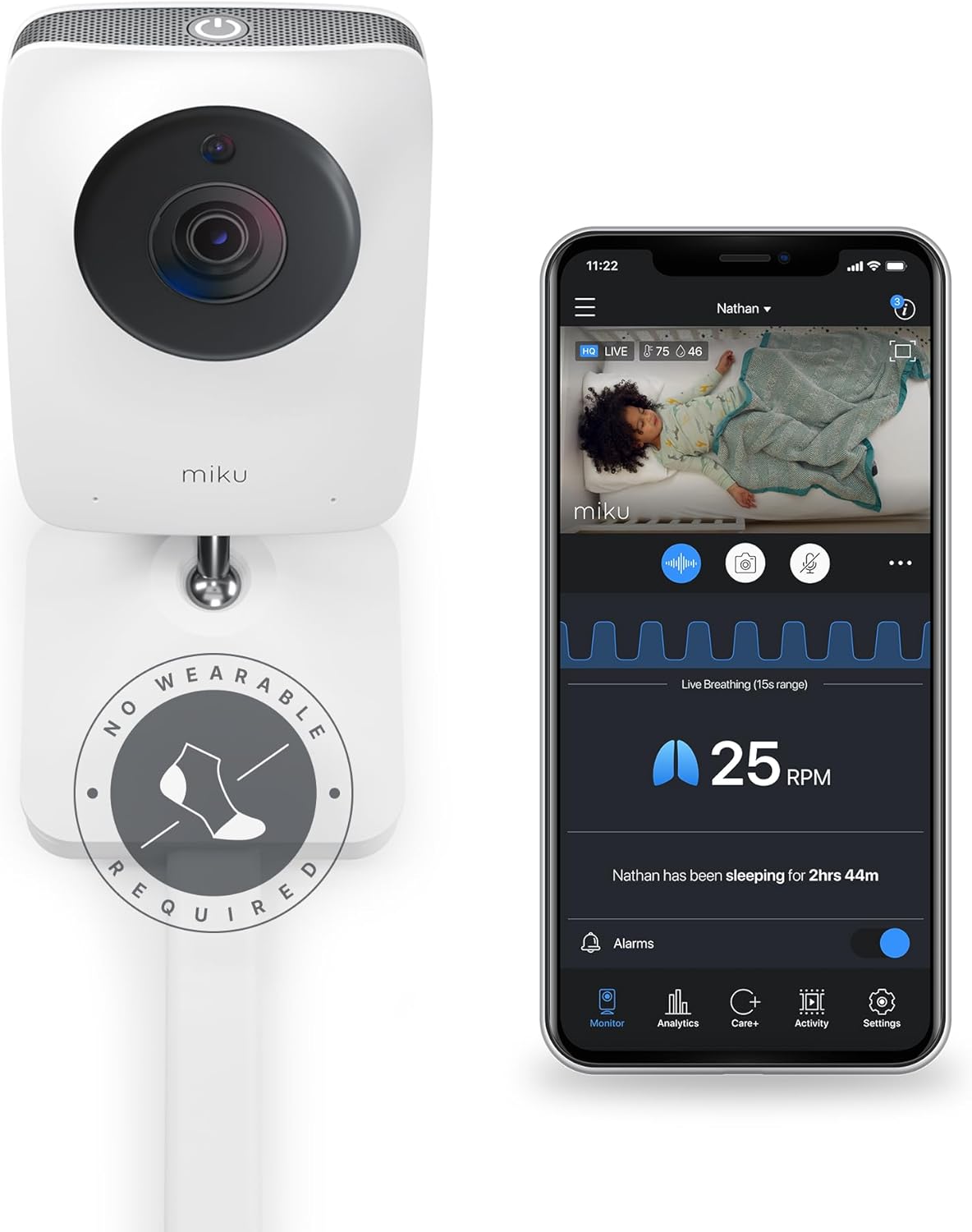
Miku Pro
Breathing detection with contact-free sensing technology.
Video/Display
1080p HD video with two-way audio
Connectivity
App-based with support for both 2.4GHz and 5GHz Wi-Fi
Key Feature
Contact-free breathing and sleep tracking via SensorFusion technology
Why we chose it
The Miku Pro uses advanced SensorFusion technology to track breathing and sleep without any wearable device. There's no sock to charge, resize, or reposition as your baby grows.
The camera uses sophisticated sensing to detect breathing patterns alongside sleep cycles, room temperature, humidity, light, and sound. All this data feeds into the app so you can understand the environmental factors affecting your baby's rest.
The camera supports both 2.4GHz and 5GHz Wi-Fi, which helps with router compatibility in homes with mesh networks or band-steering. For parents who value breathing insights but don't want to manage a wearable device, this fills a unique space.
Pros and cons
Contact-free breathing detection technology
Strong encryption and security
Supports both Wi-Fi bands
Not approved as a medical device
Breathing tracking needs correct setup
How to Safely Integrate Your Monitor with Smart Home
If you use Google Home or Amazon Alexa, you may want to connect your baby monitor for convenient voice commands and smart display viewing.
When connecting your monitor to smart home systems, consider that privacy concerns are widespread. This privacy concern is especially relevant for parents choosing app-connected baby monitors.
Here's how to do it safely without exposing your nursery to security risks:
- Only use trusted personal accounts: Connect the monitor only to your personal Google Home or Amazon Alexa account, never to shared household accounts.
- Secure your smart home account: Use a strong password and enable two-factor authentication wherever available.
- Secure your home Wi-Fi: Change your router admin password and use a unique Wi-Fi password for your network.
- Limit where the nursery feed appears: Decide which smart displays can access the monitor feed. For example, allow viewing on a bedroom display but not on shared screens throughout the home.
- Enable only the features you'll use: Turn on only the specific Alexa or Google Home features your family will actually use (live stream, sleep stats, voice commands).
- Restrict voice access: Do not allow voice access to the monitor in rooms where visitors or temporary caregivers may use smart displays.
- Remove old devices regularly: Delete any old or unused smart home devices from your account that no longer need access.
- Avoid linking to guest devices: Never link the monitor to guest devices or temporary accounts.
Choosing the Right Monitor for Your Family
Start by identifying what you actually need. Remote access? Sleep tracking? Vital signs? Multi-room coverage? A dedicated screen? Once you know what matters, the right monitor becomes obvious. Pick one that works in your home, protects privacy, and calms your nerves.
Smart monitors help you notice patterns and coordinate care. They don't replace safe sleep practices, adult supervision, or medical care, so use them as support tools, not guarantees.
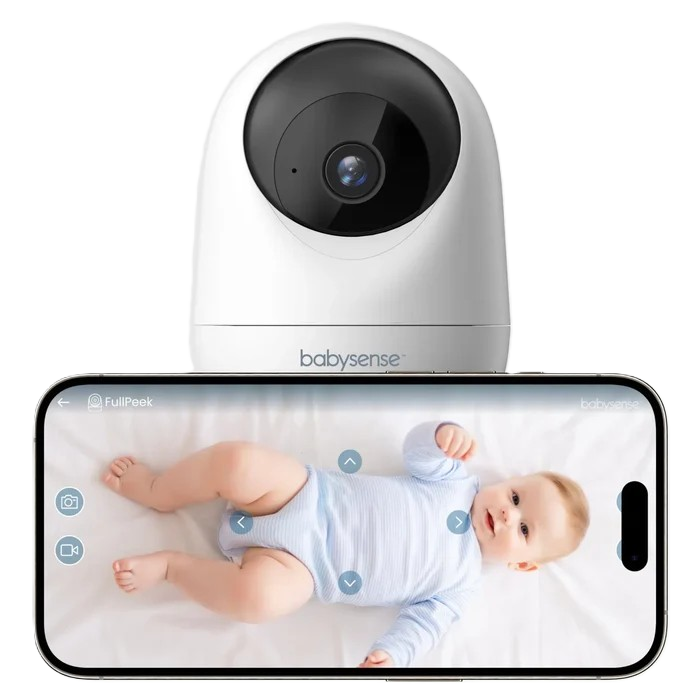
Simple, Clear, Reliable Monitoring
Get crystal-clear video, auto-tracking, and app access without the complexity with FullPeek.
References
1. Mindell, J. A., Telofski, L. S., Wiegand, B., & Kurtz, E. S. (2009). A nightly bedtime routine: Impact on sleep in young children and maternal mood. SLEEP, 32(5), 599–606. https://doi.org/10.1093/sleep/32.5.599
2. Moon, R. Y., Carlin, R. F., & Hand, I. (2022). Sleep-Related Infant Deaths: Recommendations for reducing infant deaths in the sleep environment. PEDIATRICS, 150(1). https://doi.org/10.1542/peds2022-057990
3. American Academy of Pediatrics. (2012). Baby monitor cords can strangle infants, toddlers. https://doi.org/10.1542/aapnews.2012339-36
4. Center for Devices and Radiological Health. (2025). Do not use unauthorized infant devices for monitoring vital signs: FDA safety communication. U.S. Food And Drug Administration. https://www.fda.gov/medical-devices/safety-communications/do-not-use-unauthorized-infant-devices-monitoring-vital-signs-fda-safety-communication
FAQs
Are smart baby monitors safe from hackers?
They can be, as long as you take a few simple steps. Use a strong Wi-Fi password, enable two-factor authentication, change any default passwords, and keep your monitor's firmware updated. Always choose a monitor with encrypted connections for an extra layer of protection.
Can a smart baby monitor prevent SIDS?
No. No monitor, smart or otherwise, can prevent SIDS. The AAP is clear that monitors are not a substitute for safe sleep practices. Always place your baby on their back, on a firm flat surface, in a clear sleep space.
How do I share monitor access with a babysitter safely?
Use the monitor's built in caregiver permissions rather than sharing your main login. Set up a separate account with live viewing access only, and remove it as soon as the babysitting period is over. Never give a temporary caregiver long term access to your baby's camera feed.