8 Best Plug-and-Play Baby Video Monitors: No Subscription Needed
A side-by-side look at eight video monitors that connect the moment you plug them in. With no app, no account, and no monthly fee, nothing stands between you and your baby's room.






Published August 25, 2026
AI Summary


Your baby monitor shouldn't need a software update. Registries are full of cameras promising AI cry detection and cloud storage, then asking for a credit card to actually use them. Plenty of parents just want a clear picture of the crib, a signal that doesn't drop, and a quick setup that doesn't involve studying FAQs.
This guide looks at eight of the best baby monitors with no subscriptions, comparing everything from video quality to overall value. Discover who each monitor is best suited for, so you can find the perfect app-free fit for your family.
8 Best Non-WiFi Baby Monitors at a Glance
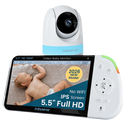
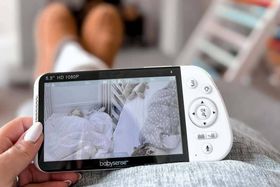
Babysense PRO
The sharpest screen on our list, built for parents who refuse to trade picture quality for going non-WiFi.
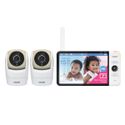
VTech VM919-2HD
A 7-inch screen and one of the longest battery ratings in this category, ideal for parents who want to see the whole room, not just the crib.
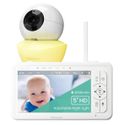
Babysense HD S2
A well-priced option that packs a night light, sound machine, and remote pan-tilt-zoom control into one of the most feature-rich monitors on this list.
Show more
What Does "Plug and Play" Actually Mean?
"Plug and play" sounds simple because it is.
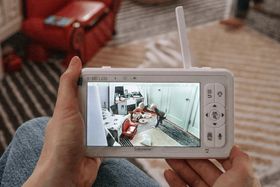
Because there's no network to connect to, there's no router to join, app to download, account to create, or firmware to update. You just have to charge it, pair the camera (most arrive pre-paired), and you're ready to go.
Why More Parents Are Choosing Plug-and-Play Baby Monitors
Two things are driving the shift back to simpler monitors: cost, and what all those extra alerts actually do to a tired parent.
The Hidden Costs of "Smart" Monitors
Many connected monitors may have attractive entry prices, but keep their headline features behind a subscription running $5 to $13 a month. Depending on the brand, parents may need to pay for:
- Cloud storage and extended video history
- AI-based cry or motion detection
- Sleep tracking and analytics
- Remote viewing from outside the house
A baby monitor with no monthly fees and lifetime use skips that entirely. There's only one purchase, and it works the same on night one thousand as it did on night one.
Here's what that gap looks like over time:
Timeframe | Baby monitor with a subscription (~$8/mo) | Baby monitor with no app subscription |
|---|---|---|
1 year | ~$96 | Paid once, $90–$230 |
3 years | ~$288 | $0 more |
5 years | ~$480 | $0 more |
The Added Appeal of Non-WiFi Monitoring
Another drawing card is privacy and reliability. Non-WiFi monitors run on FHSS, a closed radio signal that doesn't use an internet connection. This means there's nothing for anyone outside your home to intercept.
Here are a few further benefits:
- Monitoring keeps working even if your internet goes down.
- You don't have to manage app logins or passwords.
- There isn't a stream of smartphone notifications throughout the day.
- The parent unit is ready the moment you pick it up.
When Are Subscription Baby Monitors Worth It?
Despite the advantages of plug-and-play models, subscription monitors aren't a bad idea across the board. Cloud video storage, AI-based cry or motion detection, and remote access from outside your home are useful in specific situations.
For example, if you:
- Travel often or are regularly away from your baby.
- Leave your child with a nanny or a grandparent and want to check in from work.
- Specifically want a searchable video history rather than a live-only feed.
While a secure WiFi monitor with a companion app earns its place for those needs, most parents don't need one for everyday, at-home monitoring.
What Matters Most When Buying a Baby Monitor That's App-Free
Product listings may throw a wall of specs at you, but only a handful of features make the biggest impact.
Screen Quality and Size
A larger, sharper screen makes it easier to catch small movements at a glance, which matters if a grandparent's babysitting too. Most monitors in this category run 720p, and only the priciest options step up to 1080p.
The trade-off is portability: a bigger, higher-resolution display usually comes in a bulkier parent unit that's harder to pack for a trip.
Reliable Connection
FHSS technology keeps the signal private and steady, but the range printed on the box is measured in open air, not through your actual house. A few things eat into that number indoors:
- Thick walls and multiple floors
- Metal appliances, mirrors, or large furniture near either unit
- Other wireless devices competing for the same frequency
A monitor rated for 1,000 feet outdoors might realistically cover two floors of a normal home.
Battery Life
Runtime depends heavily on how you use the monitor. Having your screen running constantly will drain the battery much faster. Look for models with VOX (Voice-Activated Exchange) or ECO modes, where the display sleeps until it detects a sound.
Camera Controls
Pan, tilt, and zoom let you reposition the camera from bed instead of walking into the nursery. A few monitors add preset positions or auto-tracking on top of that. This is genuinely useful once your baby starts moving around, but matters less for a newborn who mostly stays put in the crib.
8 Best Video Baby Monitors: No WiFi Needed
1

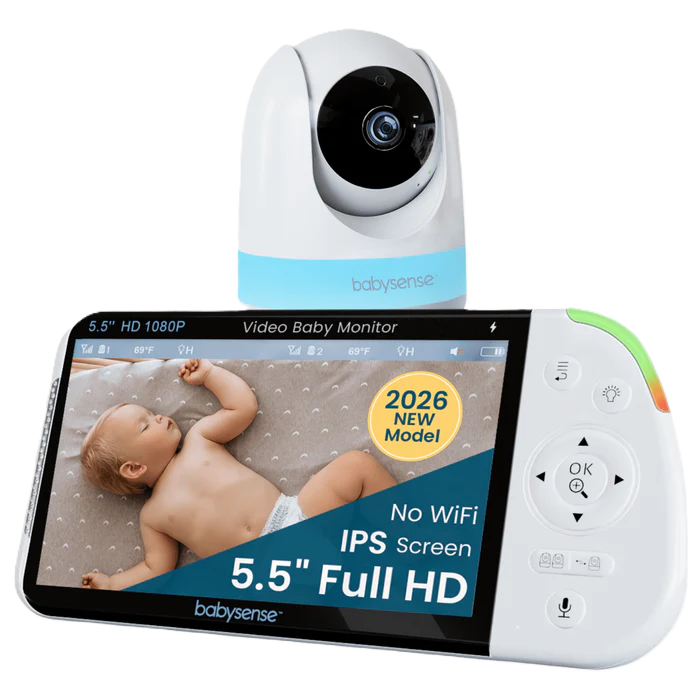
Babysense PRO
The ultimate 1080p powerhouse for serious nursery oversight.
Display
5.5" Full HD 1080p
Battery
12 hrs (regular) / 20 hrs (ECO)
Camera
360° pan-tilt, 2x/4x zoom
Expandability
Includes 1 camera, expandable to 4
Why we chose it
Most non-WiFi monitors max out at 720p, but the Babysense PRO's 5.5-inch 1080p display doesn't. The difference shows up fastest in split-screen mode, where a lower-resolution screen starts to look cramped when it's carrying two feeds at once.
The Babysense PRO earns the "overall" title by asking you to give up almost nothing. The battery holds 20 hours in ECO mode, the system expands to four cameras, and it has functions as a built-in night light and sound machine.
For parents who'd rather buy one monitor that does everything well than assemble three that each do one thing, this is the best pick.
Pros and cons
Sharpest 1080p picture available
Strong 20-hour ECO battery
Built-in night light & sound machine
Expandable to four cameras
Full 360° remote pan-tilt-zoom
Bulkier parent unit to pack
Night light runs slightly bright
2

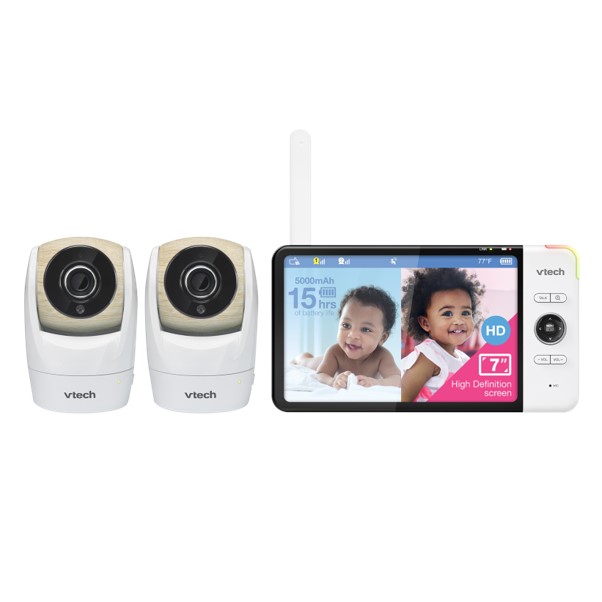
VTech VM919-2HD
Extra-large display that captures every detail.
Display
7" HD 720p
Battery
15 hrs (video) / 22 hrs (audio-only)
Camera
360° pan, 140° tilt
Expandability
Includes 2 cameras, non-expandable
Why we chose it
Seven inches is the largest screen on this list, and it matters more than it sounds. With the VTech VM919-2HD, you see the entire crib, not a cropped section of it, without leaning toward the display. This is most helpful when your baby starts moving rather than staying put under one fixed angle.
Battery life is the other reason it earns its spot. VTech rates it at 15 hours with video actively streaming and up to 22 hours in audio-only mode. This is enough to get through most nights without reaching for the charger. Add the multi-level LED sound indicator, which shows sound levels even with the unit muted, and it's an excellent choice for a shared bedroom where you don't want the speaker on.
Pros and cons
Largest 7-inch screen here
Long battery, up to 22 hours
Wide-angle lens for a full crib view
Impressive range of up to 1,000 ft
Largest & heaviest parent unit
Comes as a fixed 2-camera set
3
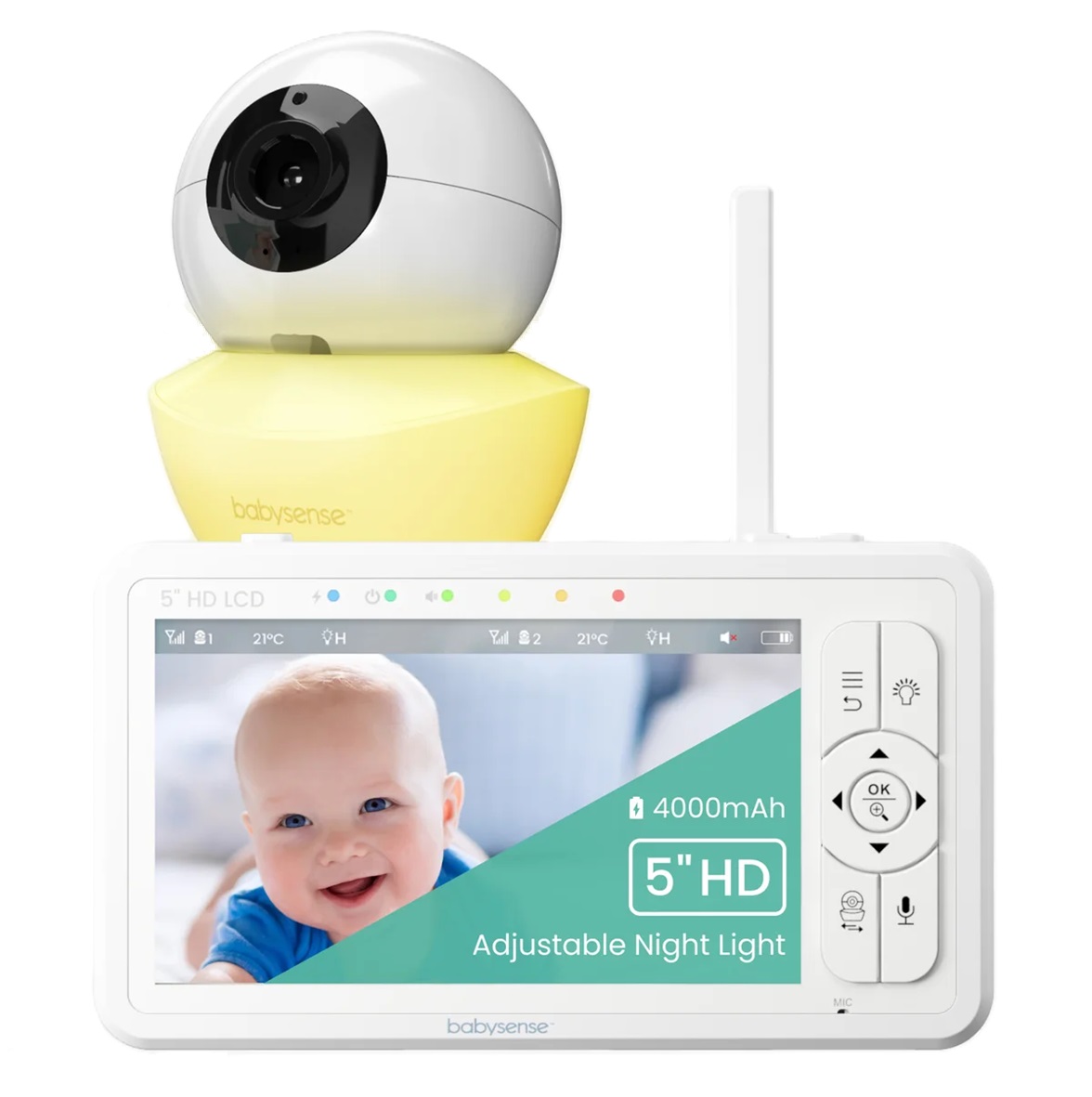
Babysense HD S2
Premium features without the premium price.
Display
5" HD 720p
Battery
12 hrs (regular) / 20 hrs (ECO)
Camera
360° pan-tilt, 2x/4x zoom
Expandability
Includes 1 camera, expandable to 4
Why we chose it
The Babysense HD S2 proves you don't have to spend top dollar to enjoy premium baby monitor features. Remote pan, tilt, and zoom, a long-lasting battery, and HD picture are the kind of extras usually reserved for a brand's most expensive models. Fortunately, though, the HD S2 brings them together at a much more accessible price. It's a fantastic middle ground for parents who want more than the basics without reaching for the priciest option.
What really sets this monitor apart is its balance of performance, usability, and value. The FHSS connection keeps things fully non-WiFi, and the parent unit is simple enough to use half-asleep at 3 am. Clear night vision, two-way talk, and a built-in temperature sensor round it out, covering what most parents actually use day to day.
Pros and cons
Great feature-to-price ratio
True split-screen functionality
Quick & easy setup
Strong 20-hour ECO battery
Second camera sold separately
Basic night light, not RGB
4
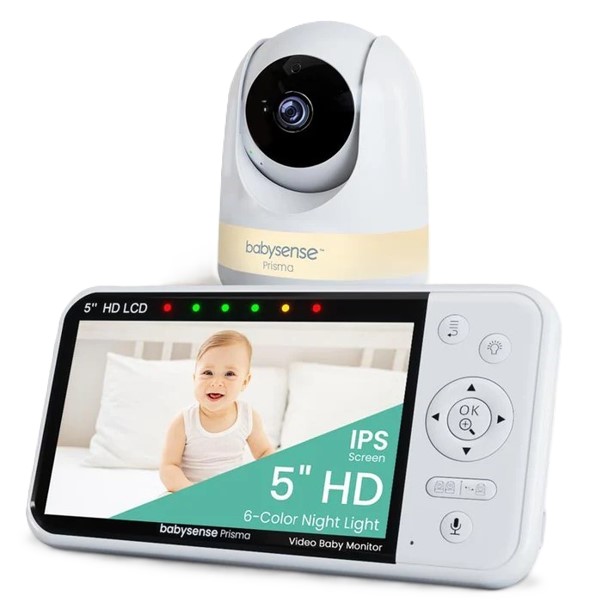
Babysense Prisma
All-in-one monitor, night light, and sound machine.
Display
5" HD 720p
Battery
12 hrs (regular) / 20 hrs (ECO)
Camera
360° pan-tilt, 2x/4x zoom
Expandability
Includes 1 camera, expandable to 4
Why we chose it
The Babysense Prisma is built for the part of the evening before your baby falls asleep, not just the hours after. It pairs the same night light and sound machine combo found on the HD S2 with an upgraded 6-color adjustable light.
If your baby's bedtime routine already leans on a separate sound machine or night light, this folds both into the monitor. It ensures there’s one less gadget on the shelf and one less thing plugged in.
The camera specs and battery life also track closely with the HD S2, since both share the same 5-inch 720p display and 20-hour ECO battery. The price difference mostly buys you the soothing layer, not a different core experience.
Pros and cons
Sound machine with lullabies & white noise
6-color night light with 3 intensities
Clear split-screen viewing
Expandable up to 4 cameras
More features to navigate
720p, not Full HD
5

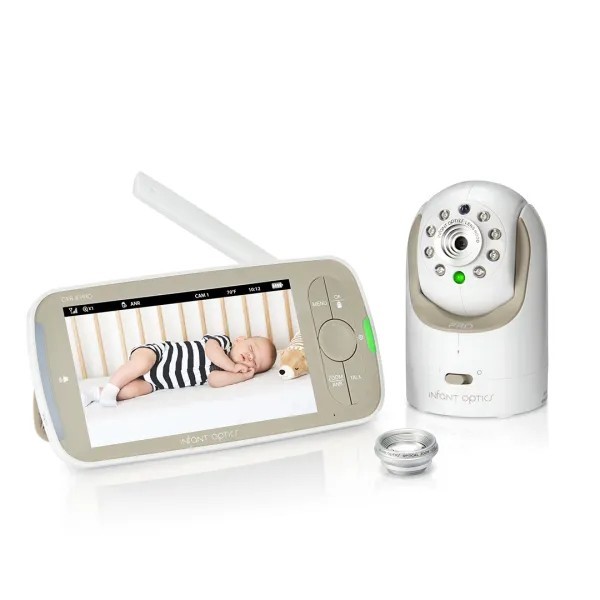
Infant Optics DXR-8 Pro
Flexible viewing with interchangeable camera lenses.
Display
5" HD 720p
Battery
6 hrs (screen on) / 10 hrs (standby)
Camera
Pan-tilt-zoom, interchangeable lenses
Expandability
Includes 1 camera, expandable to 4
Why we chose it
Infant Optics' DXR-8 PRO ships with a standard lens and an optical zoom lens, and switching between them takes seconds. You can widen the view to cover a whole playroom, or narrow in on the crib, depending on the room you're working with. No other monitor on this list solves that problem without merely relying on digital zoom, which loses detail the further in you go.
It also runs Active Noise Reduction. This filters out fans or humidifiers, so you hear your baby instead of the competing white noise. The DXR-8 Pro also has a sound-activated LED bar, making it ideal for rooms where background sound is a real problem, not a minor annoyance.
Pros and cons
Easily interchangeable lenses
Active Noise Reduction filters fans
Long range of up to 1,000 ft
Adjustable sound-activated LED bar
Shorter battery life
More complicated setup
6
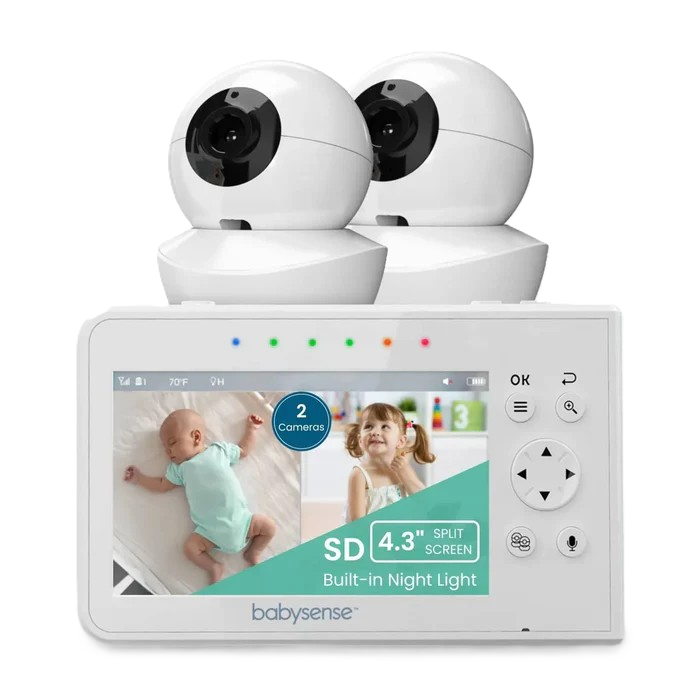
Babysense V43
Simple, reliable monitoring with room to grow.
Display
4.3" color LCD
Battery
6 hrs (regular) / 10 hrs (ECO)
Camera
360° pan-tilt, 2x zoom
Expandability
Includes 2 cameras, expandable to 4
Why we chose it
The Babysense V43 strips split-screen monitoring down to what most parents actually need: two cameras, one screen, a menu you can learn in a minute, and an affordable price. There are no extra parts to keep track of and no extra settings to configure.
This simplicity is deliberate, not a shortcoming. The V43 is ideal for a first-time parent who wants to see and hear their baby without learning a new interface or a family adding a second monitor for a spare room. The compact 4.3-inch parent unit is also comfortable to carry around the house, making it a practical choice for parents who are constantly moving between rooms.
Pros and cons
Two-camera, split-screen model
Simple menu with minimal setup
Compact & easy to travel with
Runs on hack-proof FHSS
2x zoom, not 4x
Shorter battery life
7

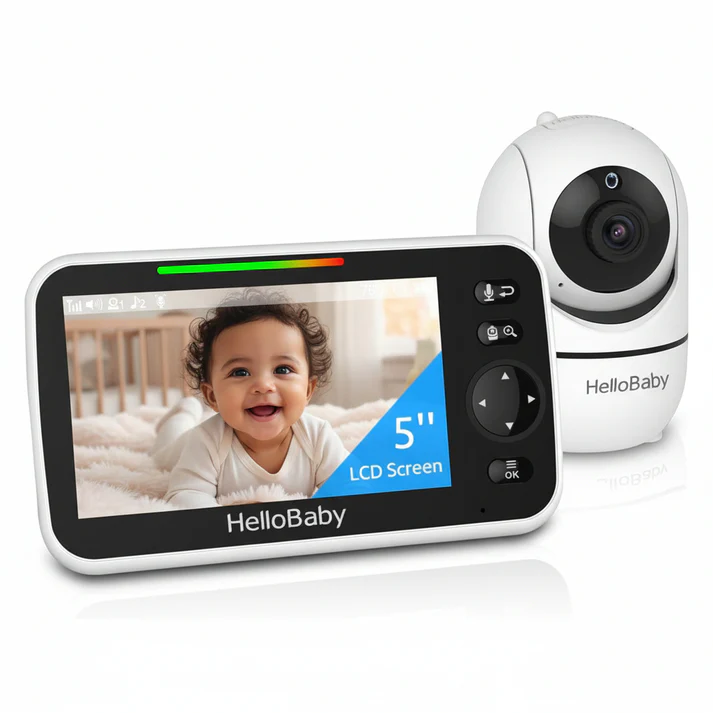
HelloBaby HB6550
Up to 30 hours of battery life for worry-free nights.
Display
5" color LCD
Battery
16 hrs (screen on) / 30 hrs (VOX/ECO)
Camera
355° pan, 120° tilt, zoom
Expandability
Includes 1 camera, expandable to 4
Why we chose it
At under $100 for a 5-inch screen, the HelloBaby HB6550 is already one of the cheapest ways onto this list. However, what earns it a specific spot is the battery of roughly 30 hours in VOX mode, which is longer than many other monitors costing double.
This is important because VOX mode is how most parents actually use a video monitor overnight. Any model that coasts through multiple nights before needing a charge removes one more task from an already long list.
The HB6550 also offers remote pan-and-tilt, two-way audio, night vision, and temperature monitoring.
Pros and cons
Longest ECO battery for the price
Under $100 for a 5-inch screen
Quick plug-and-play setup
Expandable camera lineup available
Basic menu system
No sound machine or night light
8

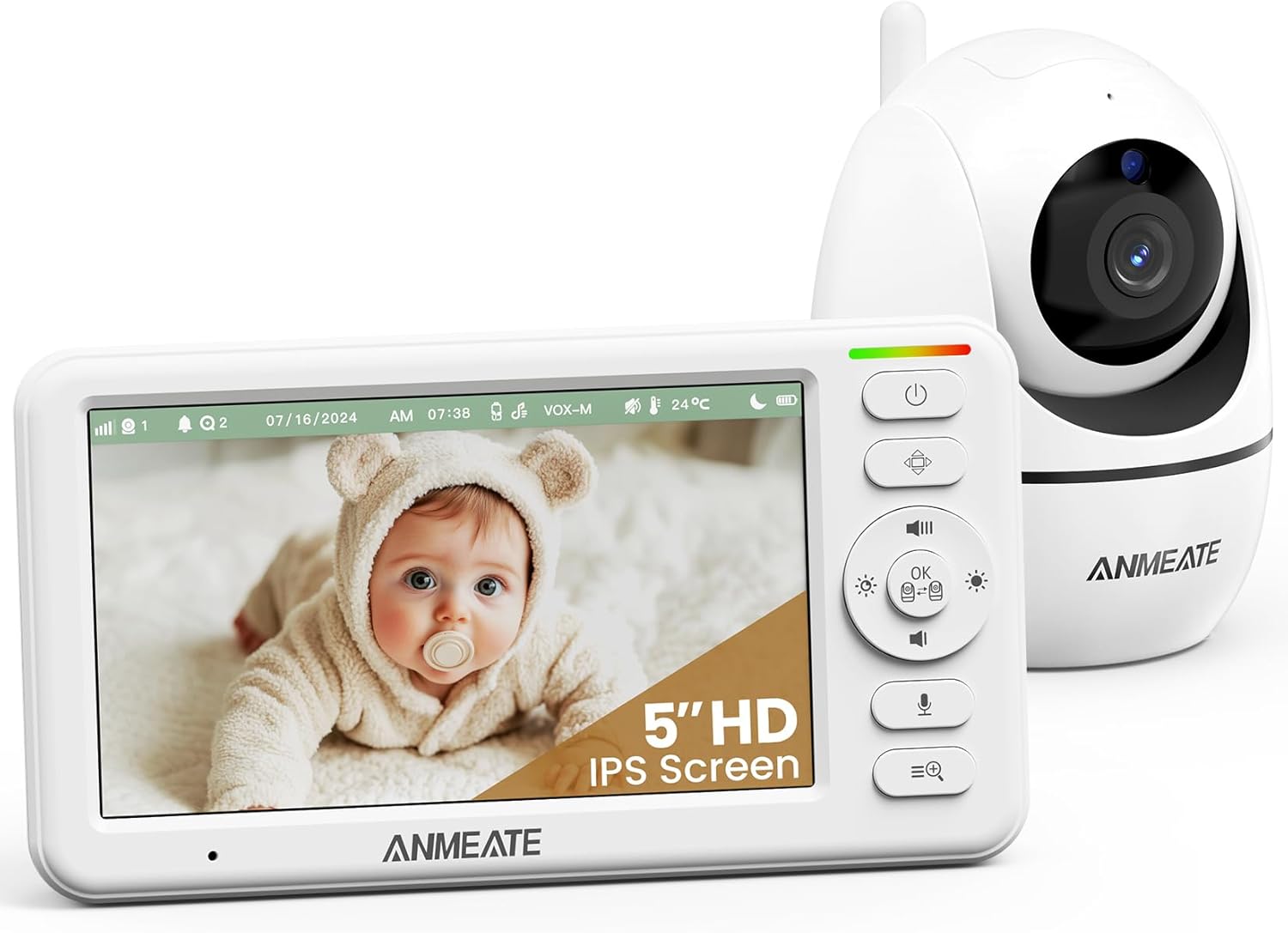
ANMEATE Baby Monitor
All the essential nursery-tracking features on a tight budget.
Display
5" HD 720p
Battery
12 hrs (screen on) / ~48 hrs (audio-only)
Camera
355° pan, 120° tilt, zoom
Expandability
Single-camera system
Why we chose it
The ANMEATE Baby Monitor is the cheapest entry on this entire list, yet it doesn't skip the basics to get there. It delivers a 5-inch 720p screen, full pan-tilt-zoom control, and a built-in temperature sensor for well below many other video monitors.
Its standout spec is its battery life in audio-only mode. At close to 48 hours on a single charge, this is roughly double what several pricier alternatives manage. That's a real advantage for parents who want to go for a weekend away without hunting for an outlet.
Pros and cons
Very affordable option
Full pan-tilt-zoom control
Simple plug-and-play setup
Clear night vision
No confirmed camera expansion
Build quality feels less refined
Keeping Your Baby Safe Around the Monitor
Once you've chosen your ideal non-WiFi monitor, the next step is to use it wisely. Always keep in mind that a monitor is a helpful tool, not a safety device. The FDA makes it clear that no baby monitor is authorized to prevent or reduce the risk of SIDS. Any product claiming otherwise hasn't been cleared for that use [1].
With plug-and-play monitors, the bigger risks tend to be physical, not digital. The AAP recommends keeping monitor cords, wires, and adapters at least three feet from the crib or bassinet [2]. Parents should also never mount a camera on the edge of a crib to prevent dangers like falls and strangulation.
A few habits worth adopting:
- Keep cords secured to the wall or baseboard, well out of reach, not draped near the sleep space.
- Mount the camera on a shelf, wall bracket, or stand, angled down into the crib rather than balanced on furniture that could tip.
- Skip anti-roll wedges or positioners marketed to keep baby "in frame." The FDA has linked these to suffocation and entrapment risk, not better sleep [1].
Finding the Right Monitor (Minus the Monthly Bill)
The appeal of a plug-and-play monitor comes down to removing friction. There's just a camera and a screen doing exactly what you bought them for, with no apps, accounts, and subscription fees standing in the way.
Where you land on this list depends on your household. Anyone looking for the sharpest picture and the fewest compromises should start with the Babysense PRO. If you're after the most features for the least money, the Babysense HD S2 or Prisma will get you there.
Whichever model you choose, remember that any video baby monitor is a tool for checking in rather than a substitute for safe sleep practices.
References
1. U.S. Food and Drug Administration. (2023, May 3). Recommendations for Parents/Caregivers About the Use of Baby Products. https://www.fda.gov/medical-devices/baby-products-sids-prevention-claims/recommendations-parentscaregivers-about-use-baby-products
2. American Academy of Pediatrics. (2025, July 7). Safe Sleep. https://www.aap.org/en/patient-care/safe-sleep/
FAQs
Do baby monitors without subscriptions still offer all the essential features?
Yes. Most plug-and-play baby monitors include everything parents need for everyday monitoring, such as live video, two-way audio, night vision, temperature monitoring, and secure wireless connectivity. Premium models may also include split-screen viewing, remote pan-and-tilt, and support for multiple cameras, all without ongoing fees.
Why do some baby monitors require a subscription?
Features like cloud storage, AI cry or motion detection, and remote viewing all require ongoing server costs to run, since the video or data has to be processed and stored somewhere. Manufacturers typically cover that cost through a monthly or annual subscription rather than folding it into the upfront hardware price.
Can plug-and-play baby monitors be hacked from outside the home?
It's extremely unlikely. These monitors use FHSS to send a closed radio signal directly between the camera and parent unit, with no connection to the internet at any point. No online pathway in or out means nothing for a remote hacker to reach. This is different from WiFi monitors that route video through an app and, often, a company server.
How far is the range of a non-WiFi monitor really?
The distance printed on the box, often 1,000 feet, is measured in open, obstruction-free space and rarely reflects real-world use. Walls, floors, and anything metal between the camera and parent unit will reduce that range. It’s best to expect meaningfully less coverage inside an actual home, typically enough for a couple of floors in a normal home.
What's the difference between 720p and 1080p on a baby monitor?
1080p, or Full HD, has roughly twice the pixel count of 720p. This translates to a noticeably sharper, more detailed image, especially on larger screens or when using digital zoom. For everyday monitoring at a normal viewing distance, 720p is still perfectly clear. 1080p matters most if you plan to zoom in often or have a larger display.
Can I add more cameras to my system later?
Often, yes. The Babysense PRO, HD S2, Prisma, and V43 all support up to four cameras on a single parent unit. Expansion is brand- and model-specific, though, so confirm any add-on camera is compatible with your exact parent unit before buying one.