6 Best Nanit Alternatives for Every Monitoring Style
Nanit is known for its overhead crib view and sleep analytics, but it may not be the right fit for every family. This post compares six strong alternatives, covering connectivity, features, and who each one suits best.






Published September 30, 2026
AI Summary


Choosing a baby monitor can feel like a bigger decision than it should be. There are so many models, features, and price points, and it's easy to wonder if you're picking the right one.
Nanit is one of the most talked-about names in baby monitors, known for its overhead crib view and sleep tracking. But it's not the only option, and for a lot of parents, it's not the best fit either. Cost, connectivity needs, and the number of caregivers in your home can all change what "best" looks like.
This post walks through where Nanit baby monitors shine and then compares six solid alternatives, so you can find the monitor that matches what your family needs.
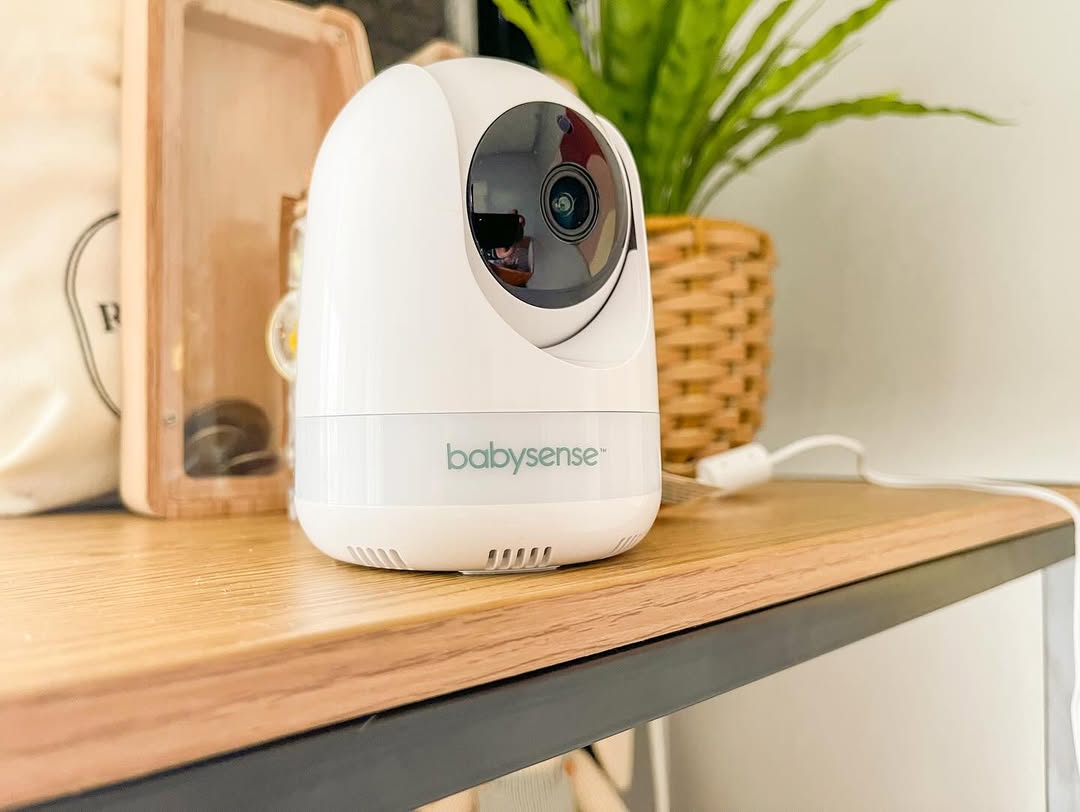
Need Help Deciding on a Monitor?
Babysense offers Wi-Fi, non-Wi-Fi, and hybrid monitors, so you can pick what works for your home.
What the Nanit Baby Monitor Does Well
Before looking at alternatives, it helps to know what Nanit gets right, since any serious alternative needs to match or improve on it.
Nanit's biggest strength is its overhead crib view. The camera mounts directly above the crib, giving a clear, bird's-eye look at your baby. This is something most other brands don't offer, leaving many parents struggling to find the best place to position their monitoring devices.
Nanit also includes breathing motion detection, which some parents find reassuring, along with micro-movement alerts that flag small changes in the sleep environment, and strong video quality.
That said, common concerns include:
- High ongoing costs: Many of Nanit's most useful features sit behind a subscription, so the price doesn't stop at the initial purchase.
- Connectivity issues: Some parents report video lag or Wi-Fi drops that defeat the purpose of a monitor built for peace of mind.
- Customer support delays: Slow or unhelpful responses come up often in reviews when parents need help with billing or troubleshooting.
- Constant alerts: Frequent alerts for micro-movements can make parents feel more anxious than relaxed.
None of this makes Nanit a bad monitor. It just means it's built for a specific kind of household, and if that's not yours, there are better fits out there.
The 6 Best Nanit Alternatives for Baby Monitoring
Here's how six popular alternatives compare, based on connectivity, features, and who each one tends to work best for.
1. Babysense: Video and Breathing Movement Monitoring

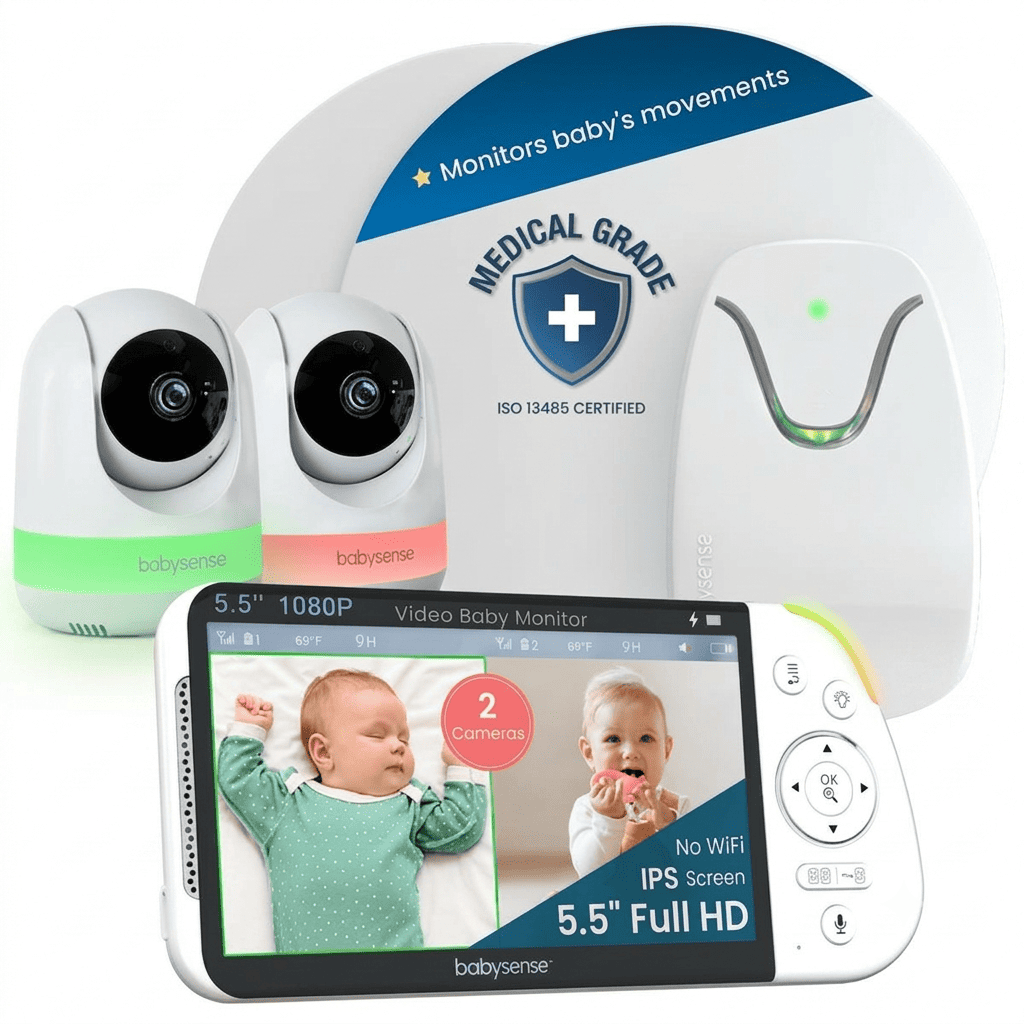
Babysense offers a full range of devices, from video monitors to breathing movement monitors, all designed to give you a clear picture of your baby without anything attached to their body. There's no sock, band, or clip to worry about, just a sensor pad or camera doing the watching for you.
Depending on the model, you'll get FHSS for a simple, private connection, or Wi-Fi and hybrid setups for smart features. Options include temperature and humidity tracking, night vision, two-way talk, motion and cry detection, pan-tilt-zoom, a built-in night light and sound machine with white noise, and split-screen viewing across multiple cameras.
| Babysense | Nanit |
|---|---|---|
Connectivity | Wi-Fi, non-Wi-Fi, or hybrid options available | Wi-Fi only |
Wearable required | No | No |
Multi-camera support | Up to 4 cameras | Limited by subscription |
Alert delivery | On-unit alerts (non-Wi-Fi models); app push (Wi-Fi models) | App push notifications only |
Why Babysense stands out
For most parents deciding on the right baby monitoring device, Babysense is worth starting with.
When comparing Babysense to Nanit, the range covers the widest variety of needs, from simple non-Wi-Fi use to full smart connectivity, and it scales well as your family grows. Here are the biggest drawing cards of Babysense monitors:
No wearable, ever:
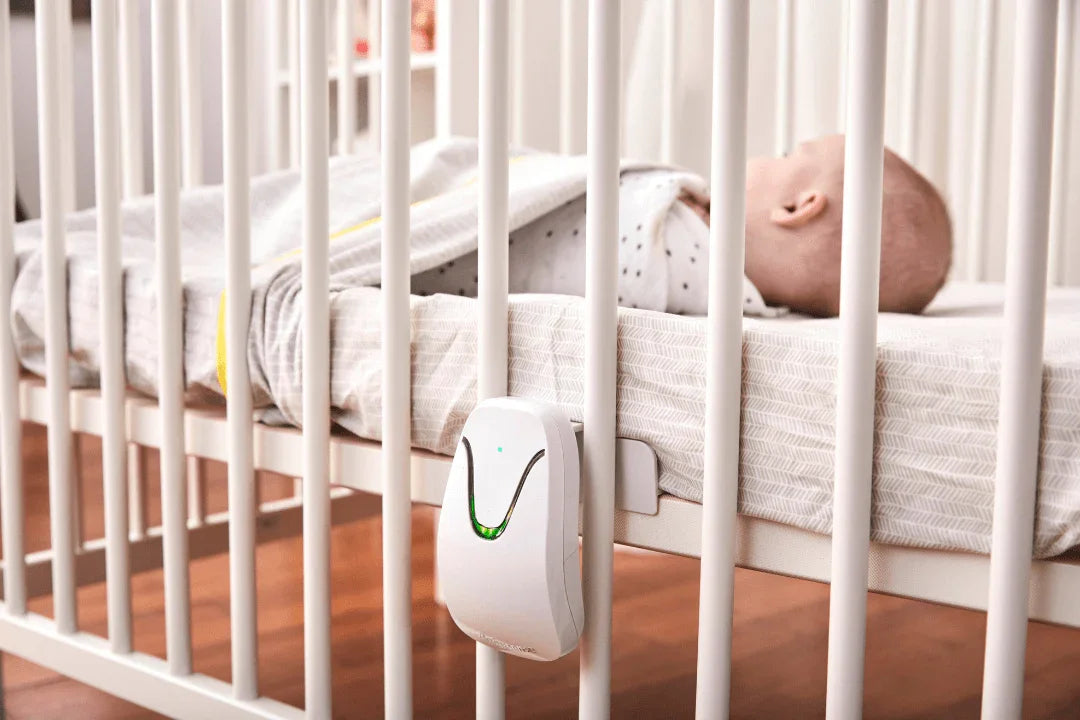
- Babysense breathing motion monitors don't require your baby to wear anything, so there's nothing to attach, adjust, or worry about slipping off during the night. The Babysense 7 uses two sensor pads placed under the mattress and sends a real-time alert the moment movement stops.
Connectivity that fits your home:
- Babysense gives you the choice between smart Wi-Fi, non-Wi-Fi, and hybrid connections, so you're not stuck with a single setup that may not suit your home. The Babysense Touch even runs both at once: a private local feed on its own 7" touchscreen, plus optional app access over Wi-Fi, so monitoring doesn't stop if the internet does.
- Non-Wi-Fi models use a closed-loop connection between the camera and parent unit, so there's no network for anyone outside your home to access.
Built to grow with your family:
- The system supports up to four cameras and a range of up to 1,000 ft on non-Wi-Fi models, so it can grow with your family instead of needing to be replaced.
- Babysense also lets multiple caregivers access the app remotely, which helps if grandparents, nannies, or co-parents also need to check in. Babysense Connect goes a step further, syncing sleep data across the household through the Smart Nursery app.
Smart features that do the work for you:
- The Babysense Touch uses AI auto-tracking to keep your baby in frame automatically, so you're not stuck manually panning the camera every time they move.
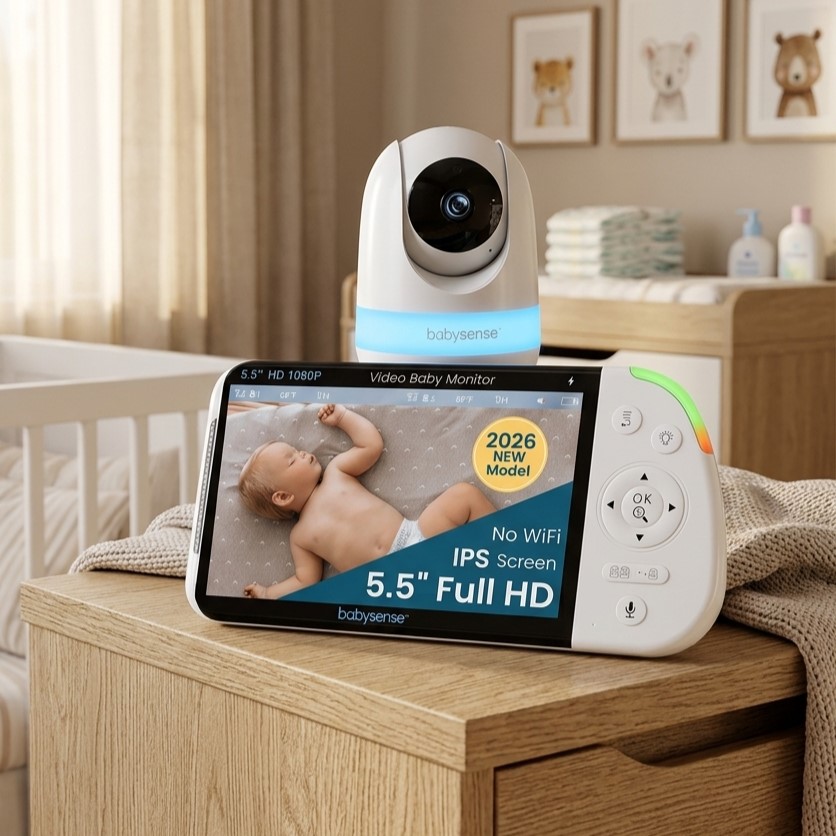
See Why Babysense Is Worth Considering
From breathing motion to Smart Wi-Fi video, find the model that fits your nursery.
2. Infant Optics: Simple Non-Wi-Fi Video Monitor

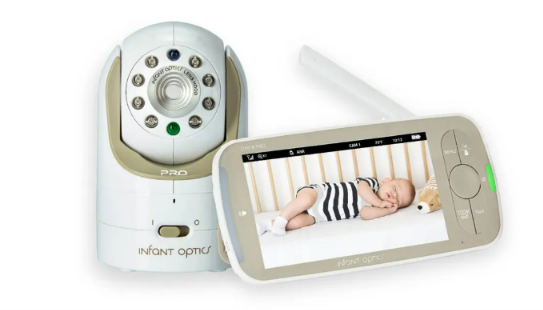
Infant Optics keeps things straightforward with a non-Wi-Fi video monitor that doesn't require any wearable attachments. There's no app to set up and no signal competing with your other home devices, just a direct, private video feed between the camera and the parent unit.
It relies on FHSS signal transmission for a clear, interference-free connection, along with pan-tilt-zoom viewing, night vision, and two-way talk. There's no subscription or cloud storage involved, just a straightforward video feed.
| Infant Optics | Nanit |
|---|---|---|
Connectivity | Non-Wi-Fi (FHSS) | Wi-Fi only |
Wearable required | No | No |
Subscription needed | No | Yes, for full features |
Remote/app access | Not available | Available |
Why Infant Optics stands out
For parents who want reassurance without extra noise, Infant Optics is a dependable, no-fuss pick.
- Infant Optics doesn't rely on Wi-Fi, so there's no internet dependency and no risk of your monitor lagging when your home network is slow.
- It requires no ongoing subscription, so you pay once and don't have to think about renewal fees down the line.
- It gives you a clear, direct video feed without alerts or notifications competing for your attention.
- Devices are easy to use, especially for non-tech-savvy caregivers, like grandparents, to pick up and use without any setup confusion.
3. VTech: Budget-Friendly Wi-Fi and Non-Wi-Fi Monitor Range

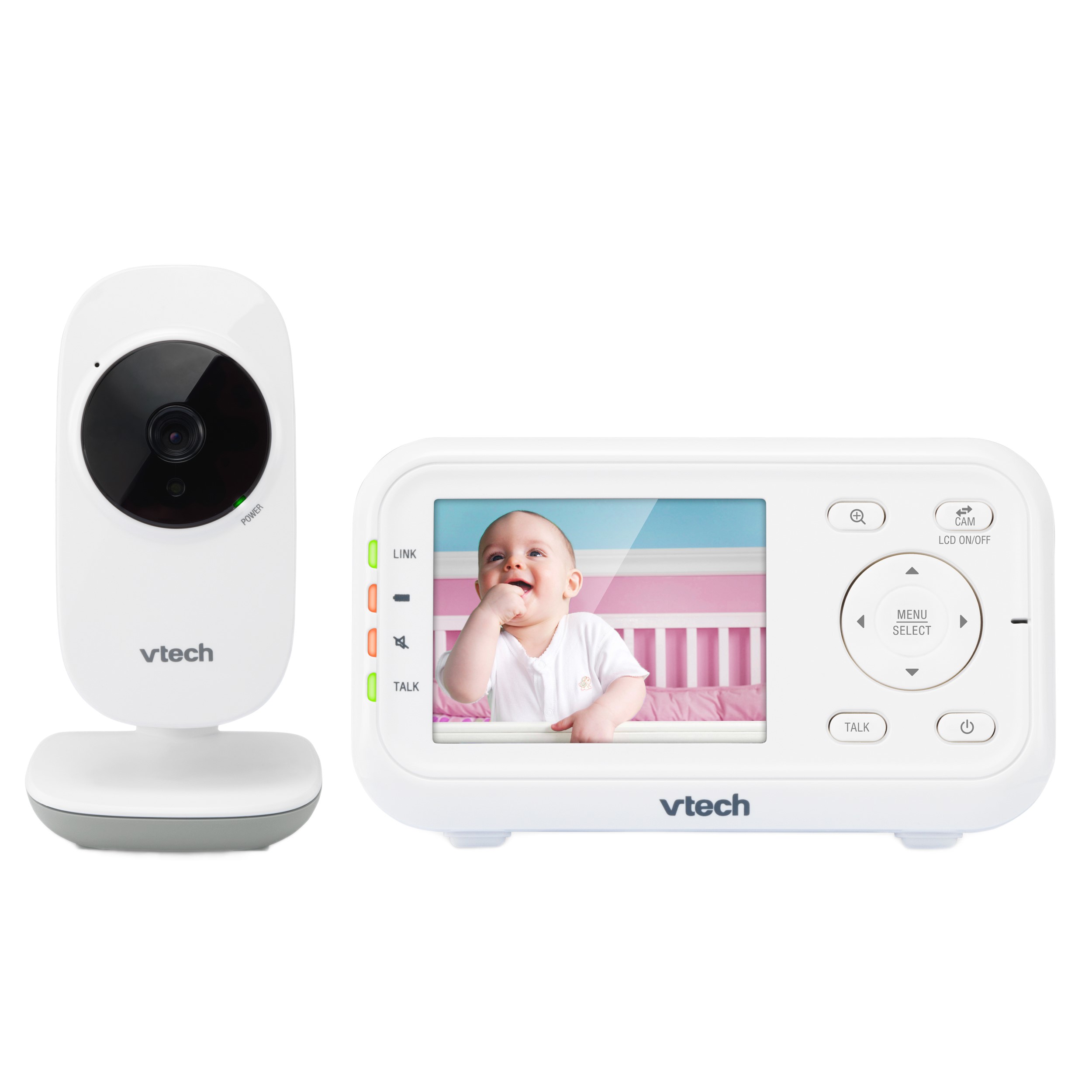
VTech covers a wide range of monitors, from simple non-Wi-Fi video units to smart Wi-Fi models with app access. None of VTech's monitors require your baby to wear anything; it's camera- and sensor-based monitoring.
Depending on the model, you'll get a dedicated parent unit, smart app access, temperature tracking, motion detection, multi-camera support, and split-screen viewing.
| VTech | Nanit |
|---|---|---|
Connectivity | Wi-Fi and non-Wi-Fi options | Wi-Fi only |
Wearable required | No | No |
Price range | Budget to mid-range | Premium |
Multi-camera support | Available on select models | Limited by subscription |
Why VTech stands out
VTech is worth considering if you're still figuring out what features you actually need. It lets you start simple and add smart features later, without paying a premium upfront.
- It offers both Wi-Fi and non-Wi-Fi models, so you can choose based on your comfort level rather than being locked into smart connectivity.
- Devices are priced to fit a wider range of budgets, which matters if you're a first-time parent still figuring out what features you actually need.
- VTech supports multiple cameras and split-screen viewing on select models, so it can grow with your family over time.
- It gives you a dedicated parent unit alongside app access, so you're not solely dependent on your phone to check in.
4. Motorola Nursery: Connected Multi-Caregiver Monitor

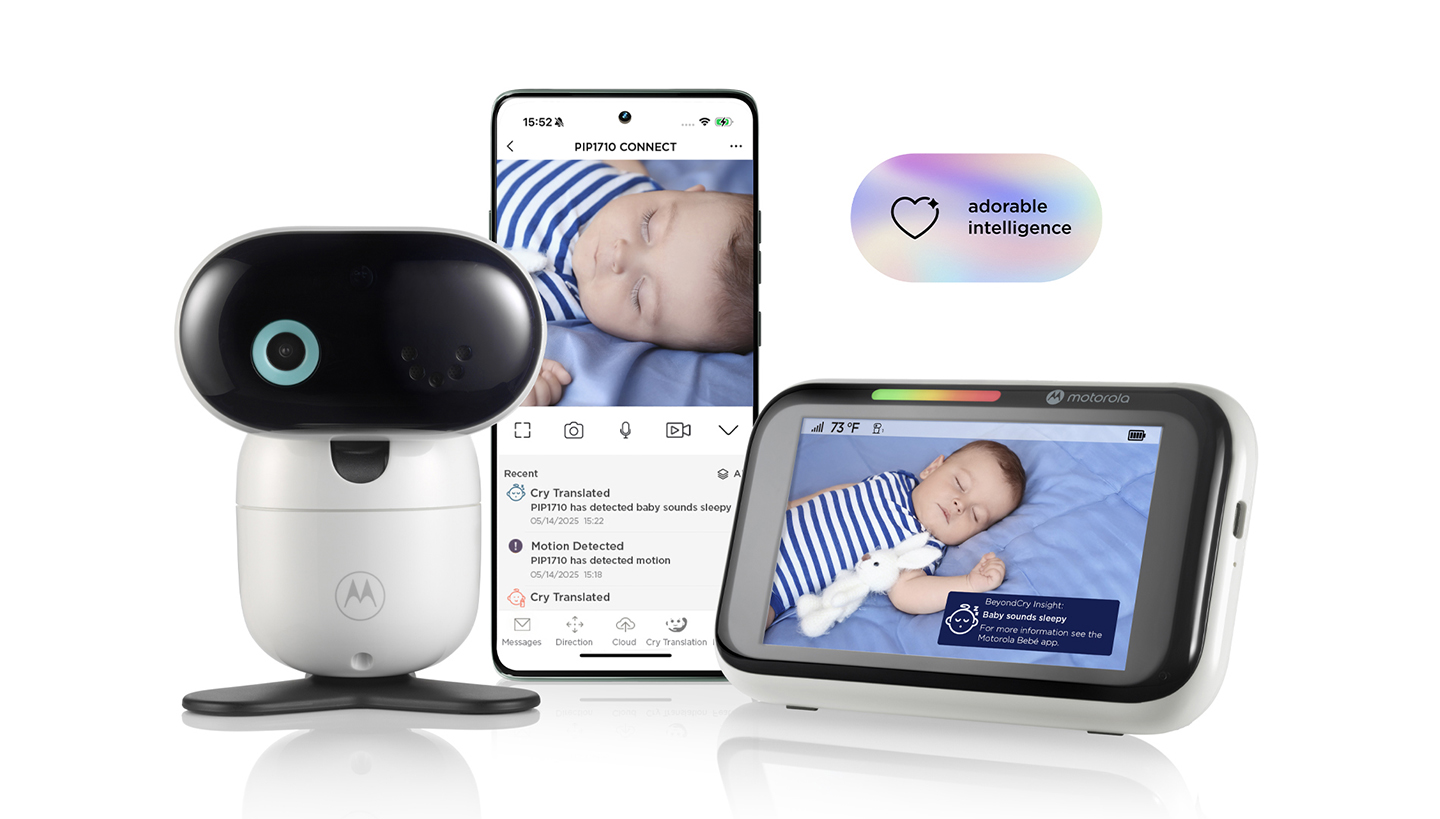
Motorola Nursery is built around one thing: making it easy for more than one person to check in on the baby. It's a Wi-Fi video monitor, with no wearable component, that focuses on shareable access rather than heavy analytics.
It relies on Wi-Fi connectivity with app-based sharing, multi-camera support, and multi-caregiver access, so grandparents, nannies, or co-parents can all view the nursery from their own devices.
| Motorola Nursery | Nanit |
|---|---|---|
Connectivity | Wi-Fi only | Wi-Fi only |
Wearable required | No | No |
Multi-caregiver access | Built for this | Available |
Breathing detection | Not available | Available |
Why Motorola stands out
If your household includes more than one caregiver, this is designed with exactly that kind of setup in mind.
- Motorola Nursery makes it simple for multiple caregivers to share access, which helps if grandparents or a nanny also need to check on the baby.
- It works well for families who travel often, since remote viewing means you're never far from seeing the nursery.
- Devices support multiple cameras, so you can monitor more than one room as your needs change.
5. CuboAi: AI-Powered Safety Monitor

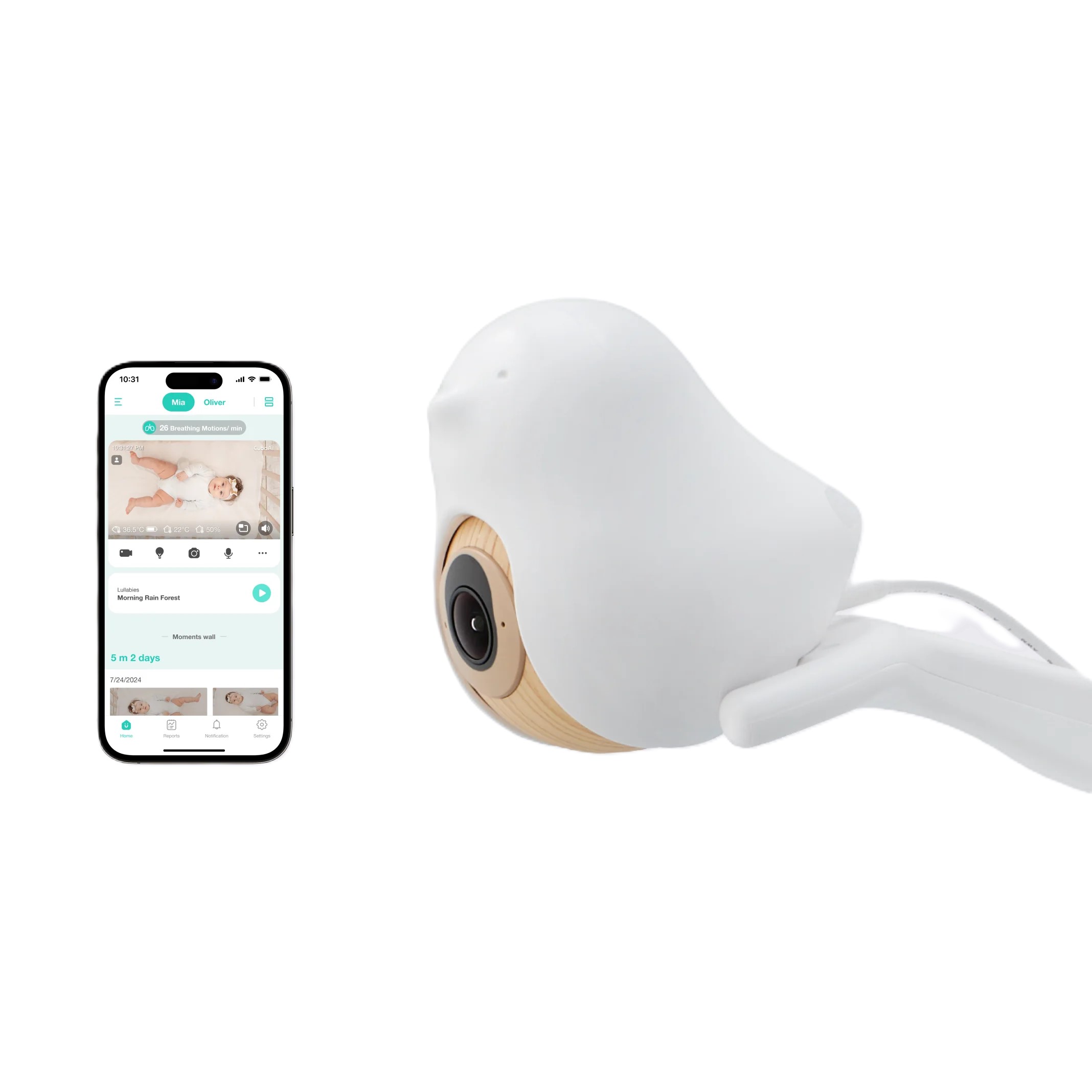
CuboAi is a Wi-Fi video monitor that leans heavily into AI detection. Like the others here, nothing is worn by the baby; it's all camera-based.
It relies on Wi-Fi and cloud connectivity, with AI-powered alerts for cry sounds, face covering, danger zones, and blanket position, plus temperature, humidity, and sleep reporting.
| CuboAi | Nanit |
|---|---|---|
Connectivity | Wi-Fi only | Wi-Fi only |
Wearable required | No | No |
AI safety alerts | Extensive (face, blanket, danger zone) | Sleep-focused analytics |
Subscription needed | Yes | Yes |
Why CuboAi stands out
This one's built for parents who want as much information as possible and feel reassured by detailed, real-time alerts.
- CuboAi detects specific safety concerns like a covered face or blanket position, which appeals to parents who want more detailed alerts than standard motion detection.
- It supports up to eight simultaneous viewers, which works well for larger families or households with several caregivers.
- It continues to be useful as your baby grows into toddlerhood, since danger-zone alerts aren't limited to infancy.
6. Miku: Contact-Free Breathing Monitor

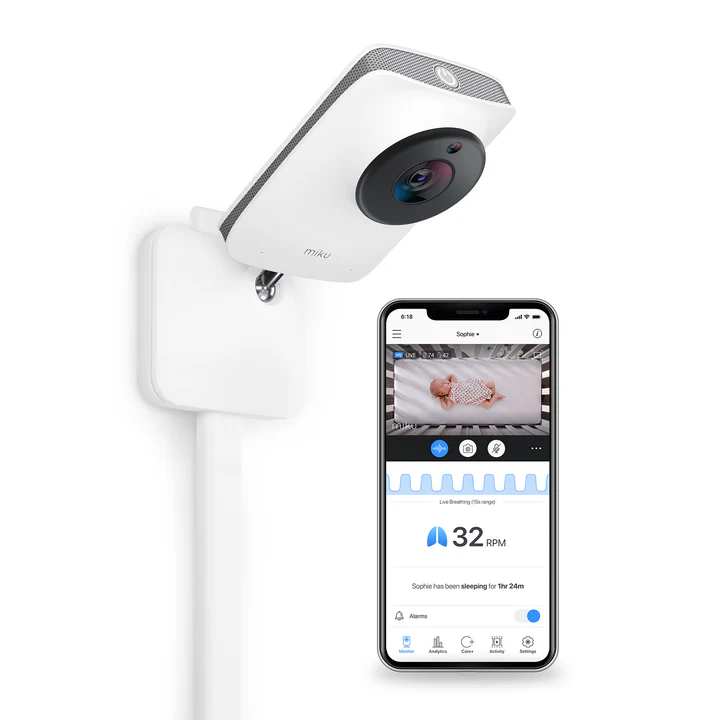
Miku is a Wi-Fi-connected monitor that tracks your baby's breathing directly through the camera, no sock, band, or clip required. Alongside breathing data, you also get standard video monitoring and sleep tracking.
It relies on Wi-Fi connectivity, with HD video, breathing rate and waveform tracking, sound and movement monitoring, and historical playback through the app.
| Miku | Nanit |
|---|---|---|
Connectivity | Wi-Fi only | Wi-Fi only |
Wearable required | No | No |
Breathing detection | Contact-free, camera-based | Available |
Subscription needed | Yes | Yes |
Why Miku stands out
It's a good fit if breathing is your main concern and you'd rather not attach anything to your baby to monitor it.
- Miku tracks breathing rate and waveforms without requiring your baby to wear anything.
- It combines breathing monitoring with standard video and sound tracking, so you're not choosing between the two.
- The device keeps a history of sleep and breathing patterns.
Keep in mind that the FDA hasn't approved or authorized any baby monitor, breathing or otherwise, as a way to prevent SIDS. The FDA has stated that no infant monitoring products have been cleared or approved to prevent or reduce the risk of sudden infant death syndrome (SIDS) or sudden unexpected infant death (SUID) [1].
» See why the Babysense 7 is the best baby breathing movement monitor for your nursery.
Finding the Right Fit for Your Family
If you want a smart, feature-heavy monitor and don't mind Wi-Fi dependency or a subscription, Nanit-style monitors make sense. If you'd rather have flexibility, whether that's connectivity type, budget, or how many caregivers need access, one of these alternatives is likely a better long-term fit.
Start with what you actually need, not what looks most advanced. Think through connectivity, how many people need access, and whether you want room to add cameras later. That's a more useful starting point than chasing every available feature.
Get the Monitor That Grows With You
From simple video monitors to breathing movement monitors, Babysense has options that scale as your family does.
References
1. Center for Devices and Radiological Health. (2025, September 16). Do not use unauthorized infant devices for monitoring vital signs: FDA safety communication. https://www.fda.gov/medical-devices/safety-communications/do-not-use-unauthorized-infant-devices-monitoring-vital-signs-fda-safety-communication
FAQs
Is Nanit worth the subscription cost?
It depends on how much you'll use the analytics features. Nanit's core video works without a subscription, but sleep insights and some smart alerts sit behind a paywall. If you mainly want video monitoring, a non-subscription alternative may save you money long-term.
What is the best non-Wi-Fi alternative to Nanit?
Babysense offers non-Wi-Fi (FHSS) models if you want that option alongside other connectivity choices.
Do any Nanit alternatives offer breathing monitoring?
Yes. Babysense includes breathing motion detection in several models, and Miku offers contact-free breathing monitoring through the camera.